
WhatsApp automation that gets the job done
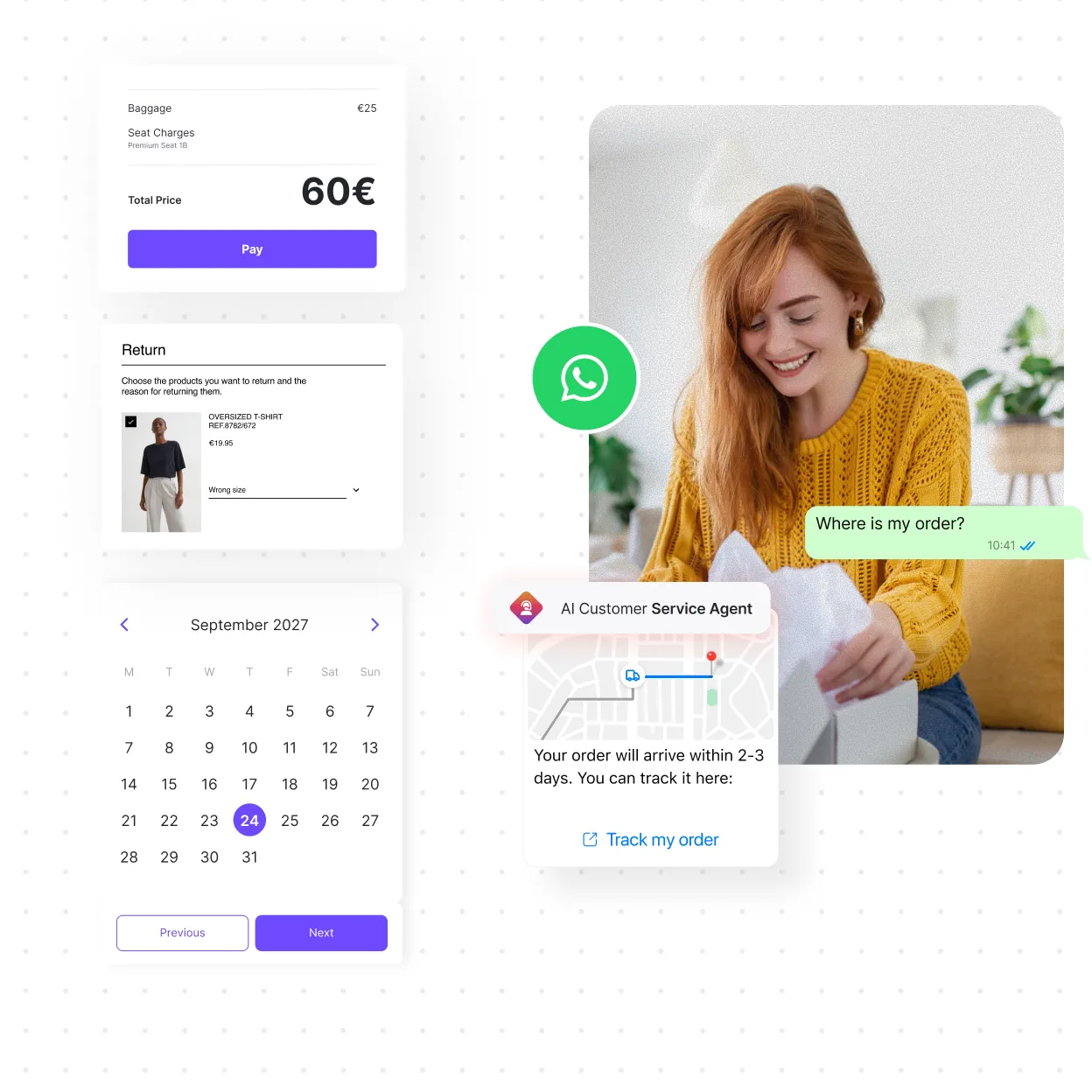
A menu of options or an auto reply can answer questions, but customers still end up calling to get things done. With AI agents connected to your systems, they can sort it out right there in the chat.

















PROBLEMS
Where is your WhatsApp automation falling short?

My bot answers questions, but never finishes the job

Customers leave WhatsApp to pay or share their details

When they’re passed to a person, customers have to explain everything again

At peak times, my team can’t keep up

My sales reps answer from their phones, and I can’t see those conversations

When a call is needed, the conversation moves to another channel
INDUSTRIES
WhatsApp business use cases by industry
A flight delay, an insurance claim, a lost bank card. The reason changes, but the customer wants the same thing: to get it sorted without leaving the chat. That’s what reduces calls from your contact center.

Airlines
A delay notice doesn’t fix anything. The passenger wants another flight and a new boarding pass, in the same conversation.

Banking
When customers lose their card, they need to block it from the chat, not go looking for instructions.

Insurance
Nobody messages about a claim just to be handed a phone number. They message to send photos in the chat and come away with the claim open.

E-commerce
Any bot can say the order is on its way. Editing the order without leaving the chat is a different story.

Auto salvage
Someone looking for a part doesn’t want a callback. They want to know if you have it, what it costs and when it’ll arrive.
FEATURES
How a request gets automated, start to finish
Your customer sees a conversation. Behind it, several features are working together, all connected to your systems.
AI AGENTS AND FLOW BUILDER
Handle complete requests on WhatsApp
• Understands customers in their own language and their own words
• Checks and updates data in your systems
• Sees every request through, step by step
WEBVIEWS
Finish requests inside the chat
• An interactive interface that opens over the conversation
• Forms, bookings, catalogs and payments
• Fewer messages per request
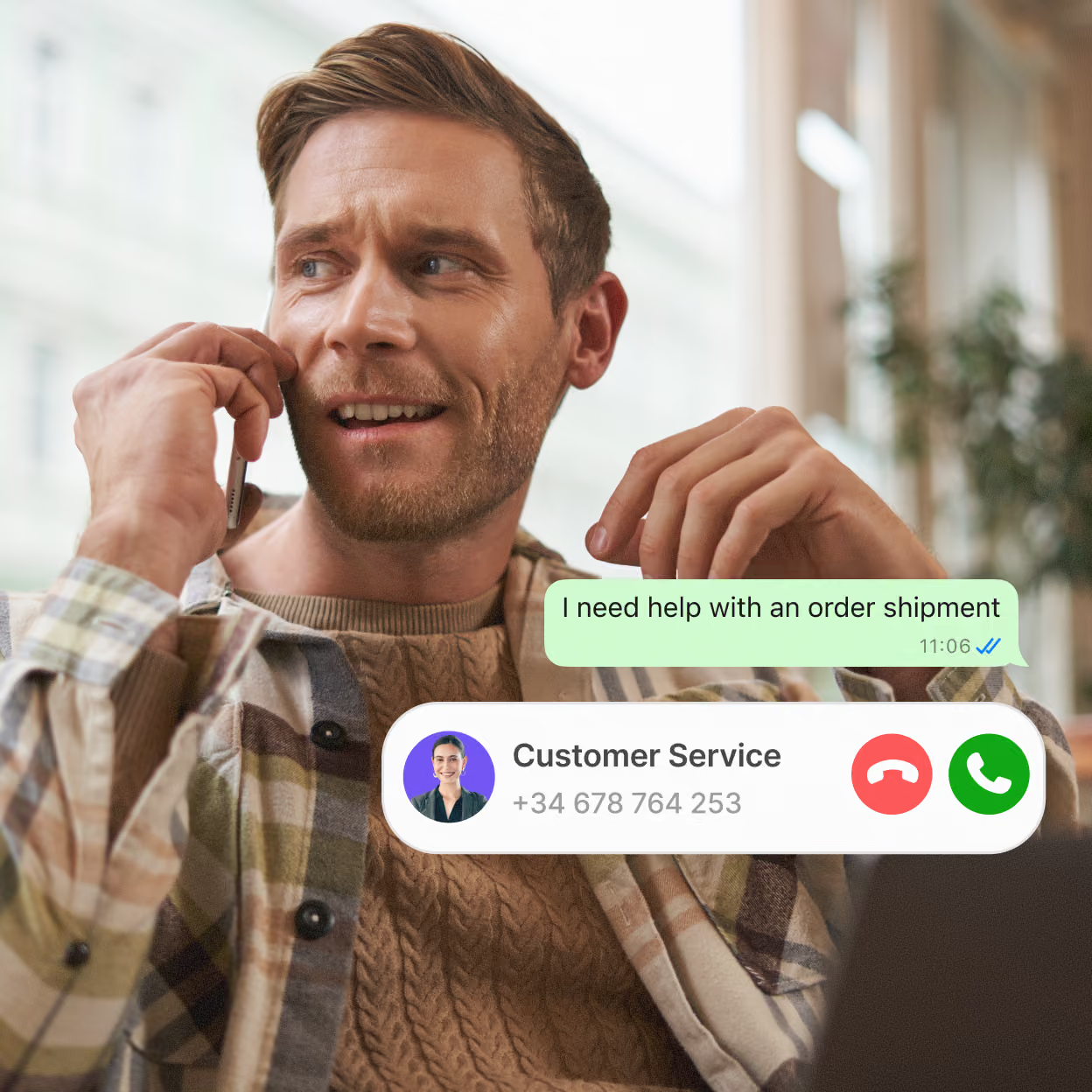
WHATSAPP VOICE
Calls connected to the conversation
• Inbound and outbound calls from the same number
• Call history and transcripts right next to the chat
• IVR calls redirected to WhatsApp
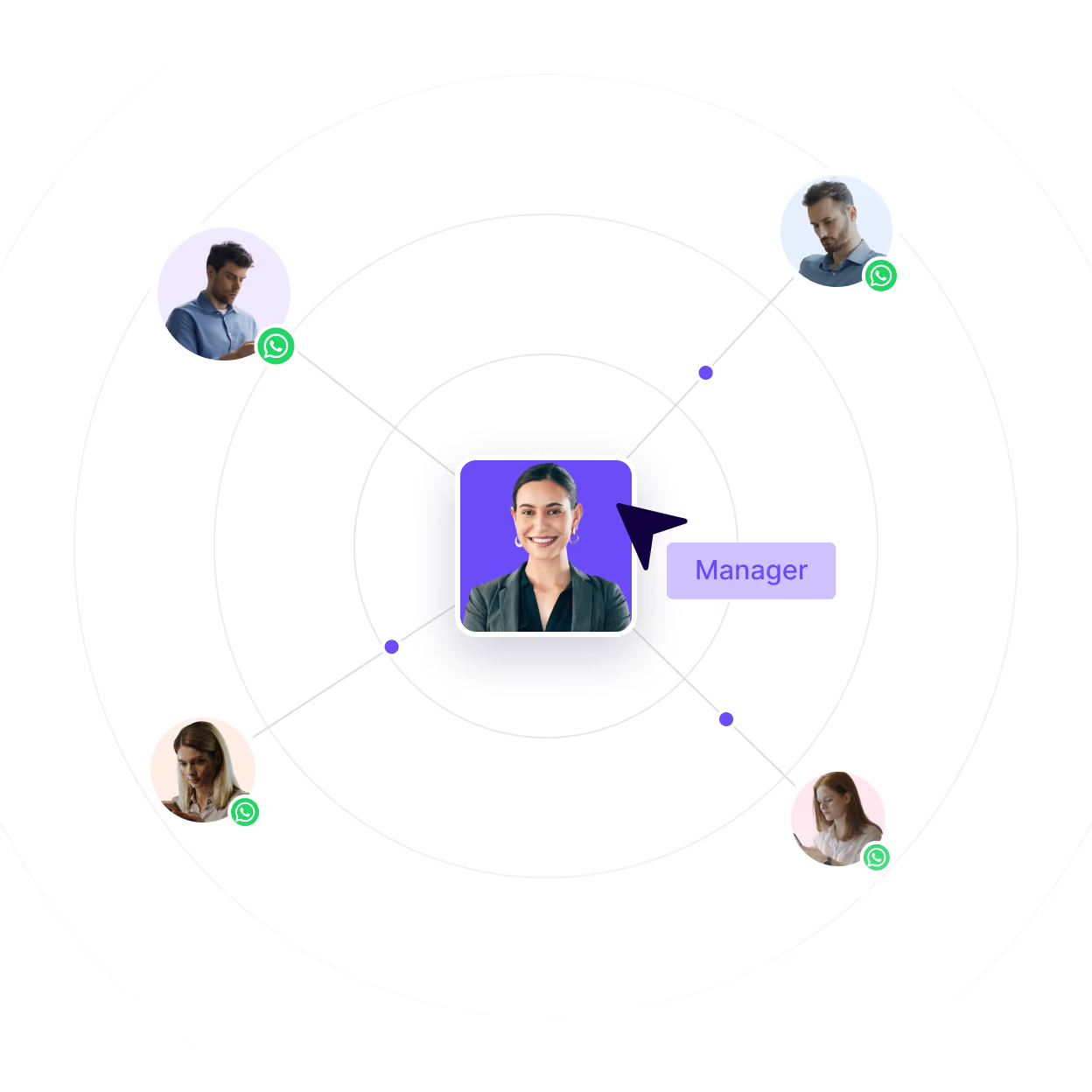
COEXISTENCE
The app and the API on the same number
• Your team keeps answering from the app
• The AI agent takes care of repetitive questions
• You can see and measure the conversations happening on their phones
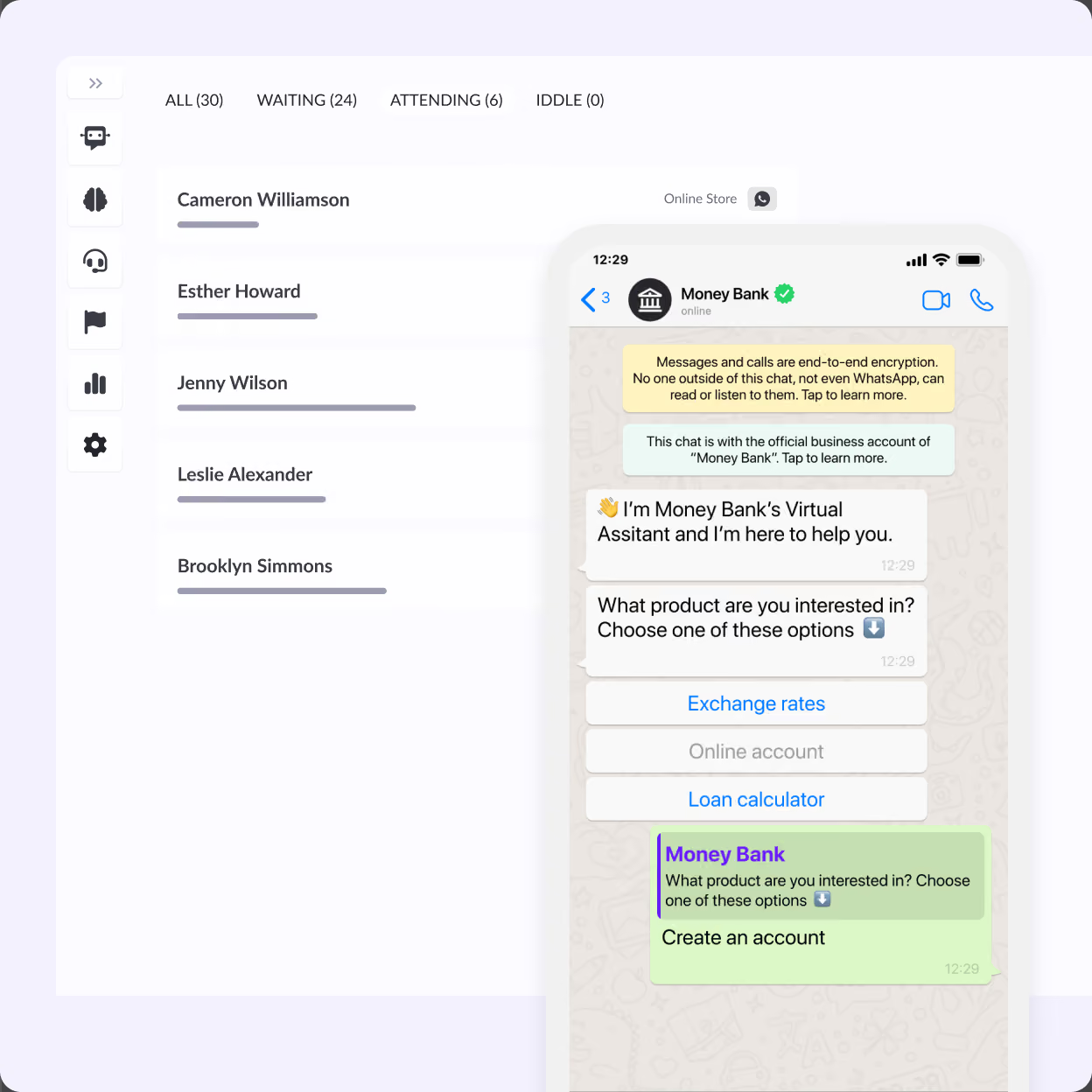
HELPDESK
Handoff to your team
• A shared inbox with the context of every case
• History that includes what was said to the AI agent
• Multiple cases per person, with SLA tracking

WhatsApp automation: design, launch and fine-tuning
As an official WhatsApp Business provider, we work with you through all three stages. Your processes change, and so does the way your customers write. Your AI agents need to keep up, and how well your automation works depends on it.

Designed around your requests
We start from what reaches you today through WhatsApp or by phone, and work with you to define the conversations, the integrations and when a person steps in.

A phased launch
We start with one use case, test it before opening it up to your customers, and build the rest on top of it.

Fine-tuning based on what happens in conversations
In regular check-ins, we go through what’s getting solved, where things get stuck and what’s worth changing.
Businesses already solving requests inside the chat
SegurCaixa Adeslas got there in two months and cut calls by 32%.
JetSMART reached that level with an assistant that handles more than 140,000 conversations a month.
At Retorna, order status questions get solved on their own, and the team handles everything else.


Start solving, not just replying
Tell us which requests reach your WhatsApp today, and we’ll show you how they’d get solved once they’re connected to your systems.
Frequently asked questions
It comes down to what the customer walks away with at the end of the conversation: an answer, or a solution .
Auto replies in the WhatsApp Business app, like the greeting or away message, are fixed. The app also includes Meta’s AI agent, which answers questions using the information you give it about your business, but it can’t check your systems. WhatsApp automation understands what each customer is asking for, checks their data and completes the request: if someone wants to change an appointment, the AI agent finds an open slot and changes it right in the chat. That kind of automation works by connecting WhatsApp to your systems through the API.
The human touch holds up as long as customers don’t have to wait or repeat themselves, which is usually where it gets lost. The AI agent handles the repetitive stuff in the chat, like checking an order or changing an appointment, and you decide what gets handed off to an agent: a sensitive complaint, an upset customer or an exception.
It also helps if customers can ask to talk to an agent whenever they want. That conversation lands in the Hubtype Helpdesk with the conversation history and the users data already collected, the agent is up to speed.
Five things: understanding what customers ask for in their own words, checking and updating their data in your systems, collecting information or taking payments in the chat, handing off to an agent with the full history, and log of what the AI replies.
When you compare platforms, check whether those pieces are included in the conversation. For example, can the agent who picks up a case see what the AI agent said? If your team works from the app, add a sixth: using the same number in the app and in the API.
It depends on whether you use the WhatsApp Business app or the API.
In the app, you can automate the greeting message, the away message and the answers Meta’s AI agent gives to questions about your business. With the API, you can also automate the messages you send, like booking confirmations, appointment reminders, shipping updates or campaigns, as long as customers have opted in and you use Meta-approved templates. When the customer is the one who writes, the automated reply can go beyond text: changing their appointment in your calendar, giving them their order status or opening their complaint.
Yes. Access to the Cloud API is free and comes with some tools of its own, like WhatsApp Flows or its AI agent. But what it gives you is the channel: the flows, the AI, the integrations and the handoff to your team are yours to build and maintain.