
Integrate WhatsApp with your CRM and your whole stack
What separates a bot that answers from an AI agent that actually solves things is context. Connect WhatsApp to your CRM, ERP or helpdesk, and your customers sort things out without ever leaving the chat.
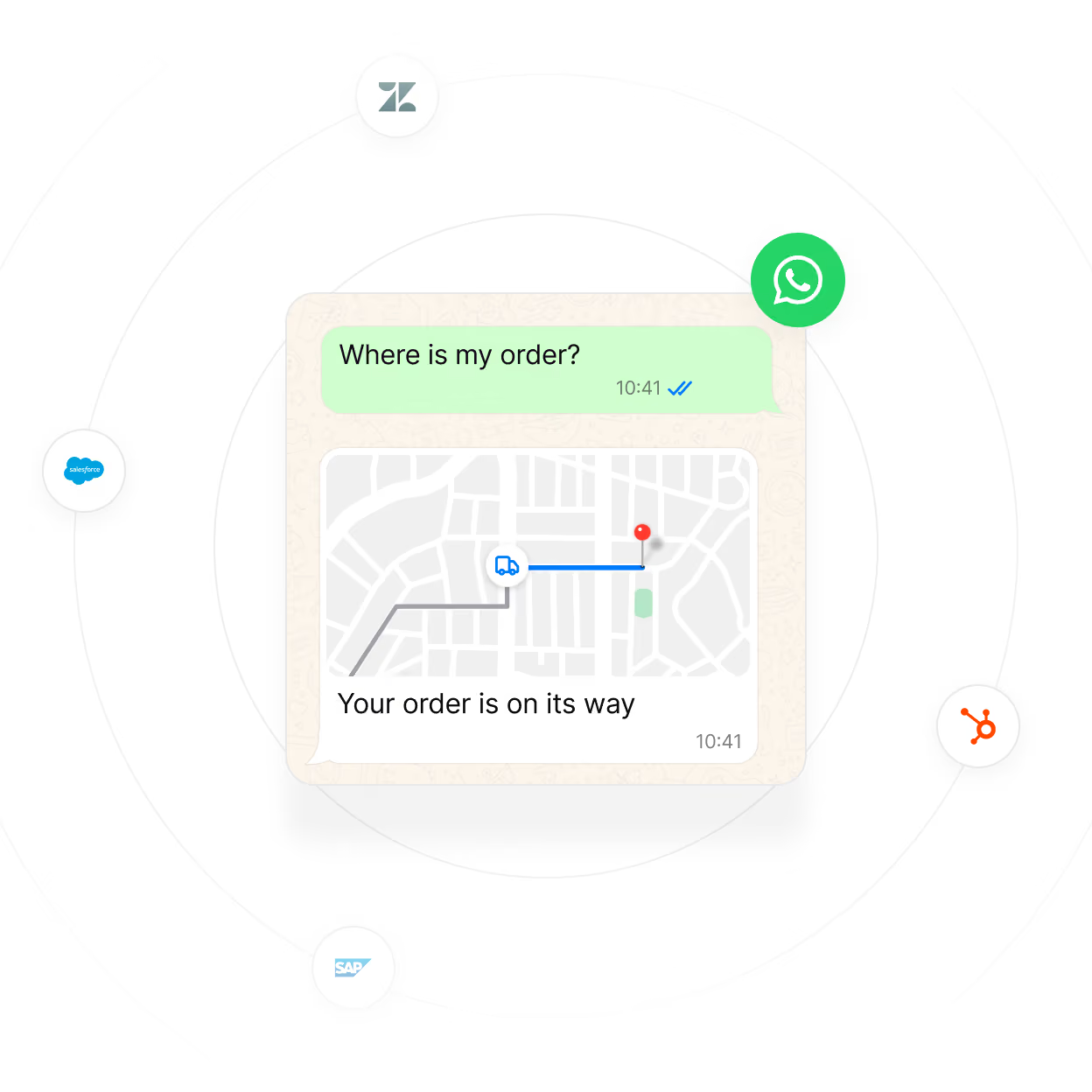

















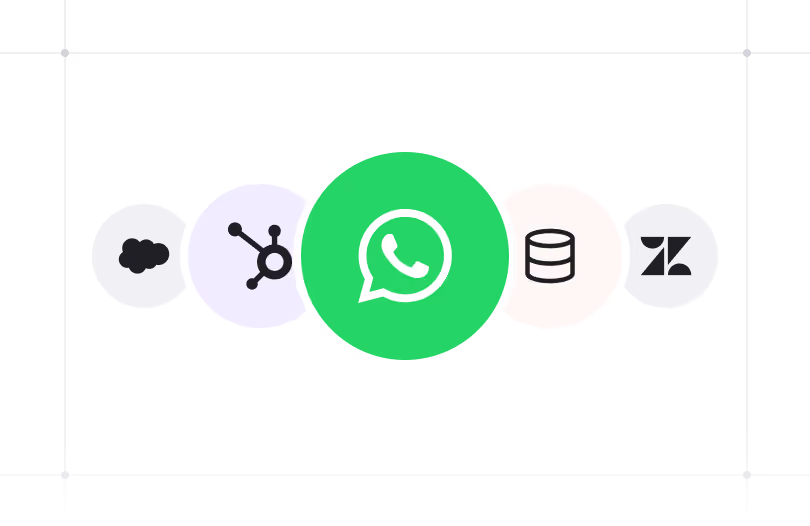
Your tools stay. Now they talk to WhatsApp
Nothing gets replaced. The WhatsApp Business API connects to your CRM, ERP or helpdesk, so your AI agent and your team work off the same data, right in the conversation.

SOLUTIONS
While your customer types, your systems get to work
Your customer sees a conversation. Behind it, WhatsApp is connected to your systems, with several things happening at once.
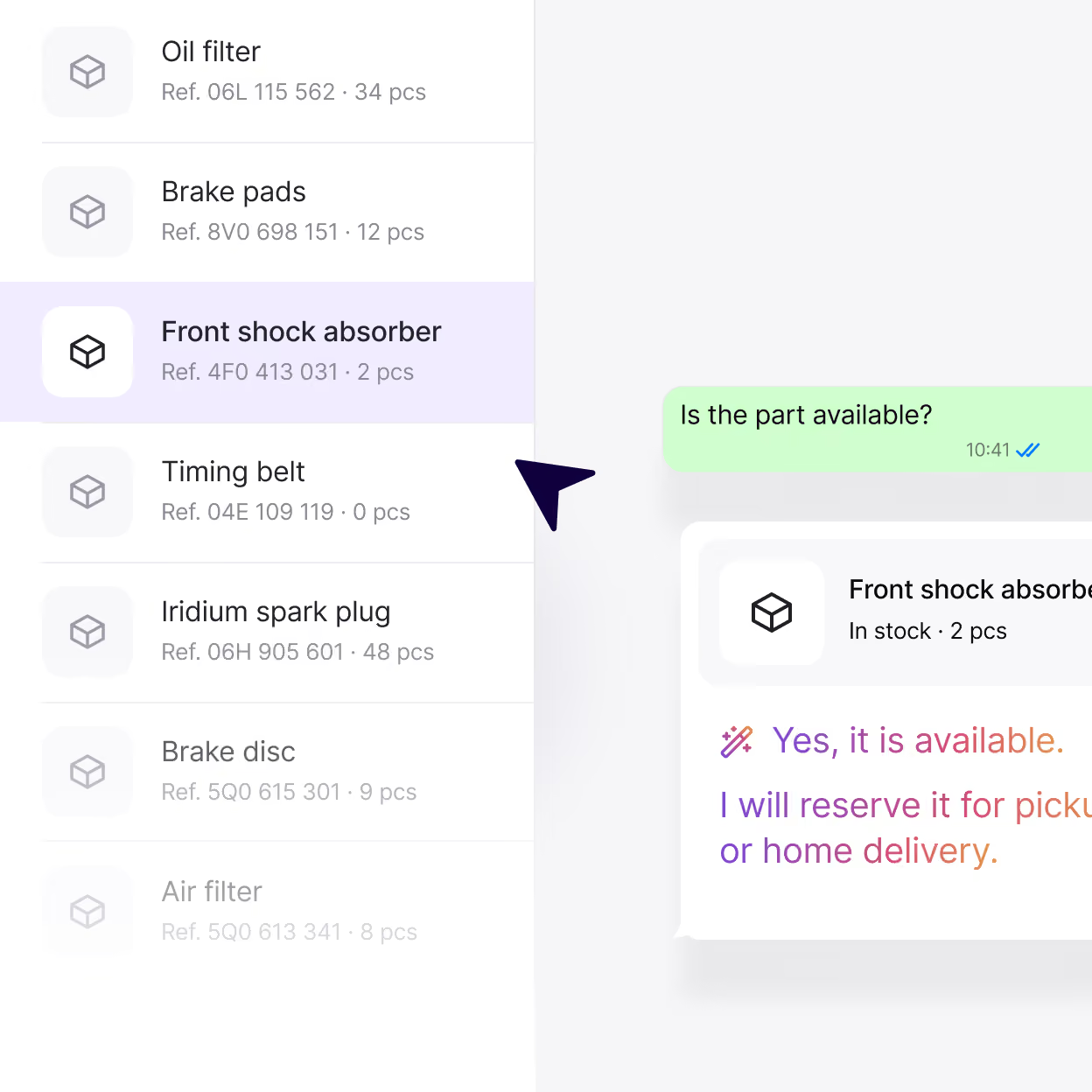
Checks
Before replying, the AI agent checks your systems and answers with that customer’s own information. That’s the difference between a WhatsApp bot connected to your CRM and one that answers from a script.
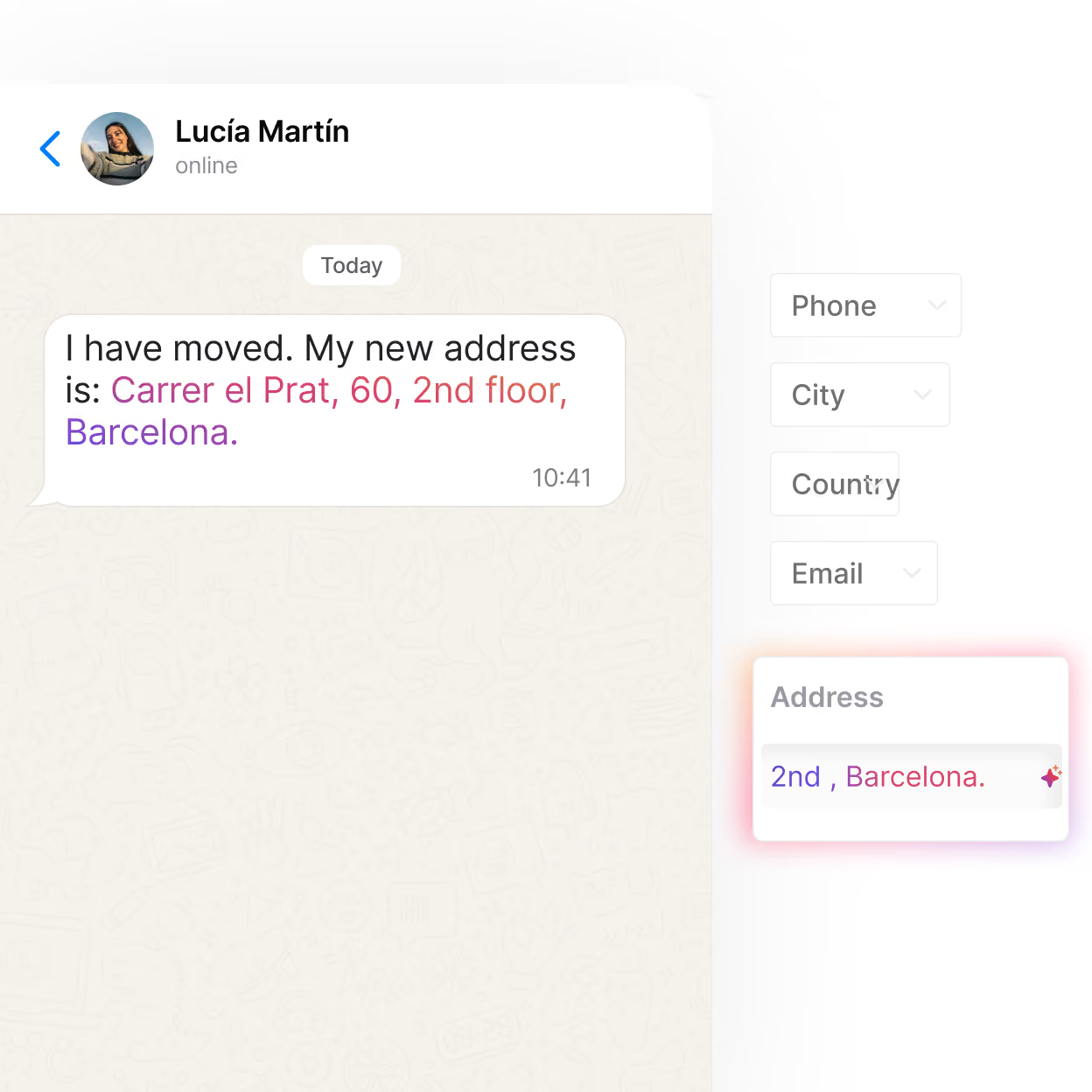
Updates
Whatever changes in the chat changes in your system. The AI agent logs it on the spot, so nobody has to copy it over later.
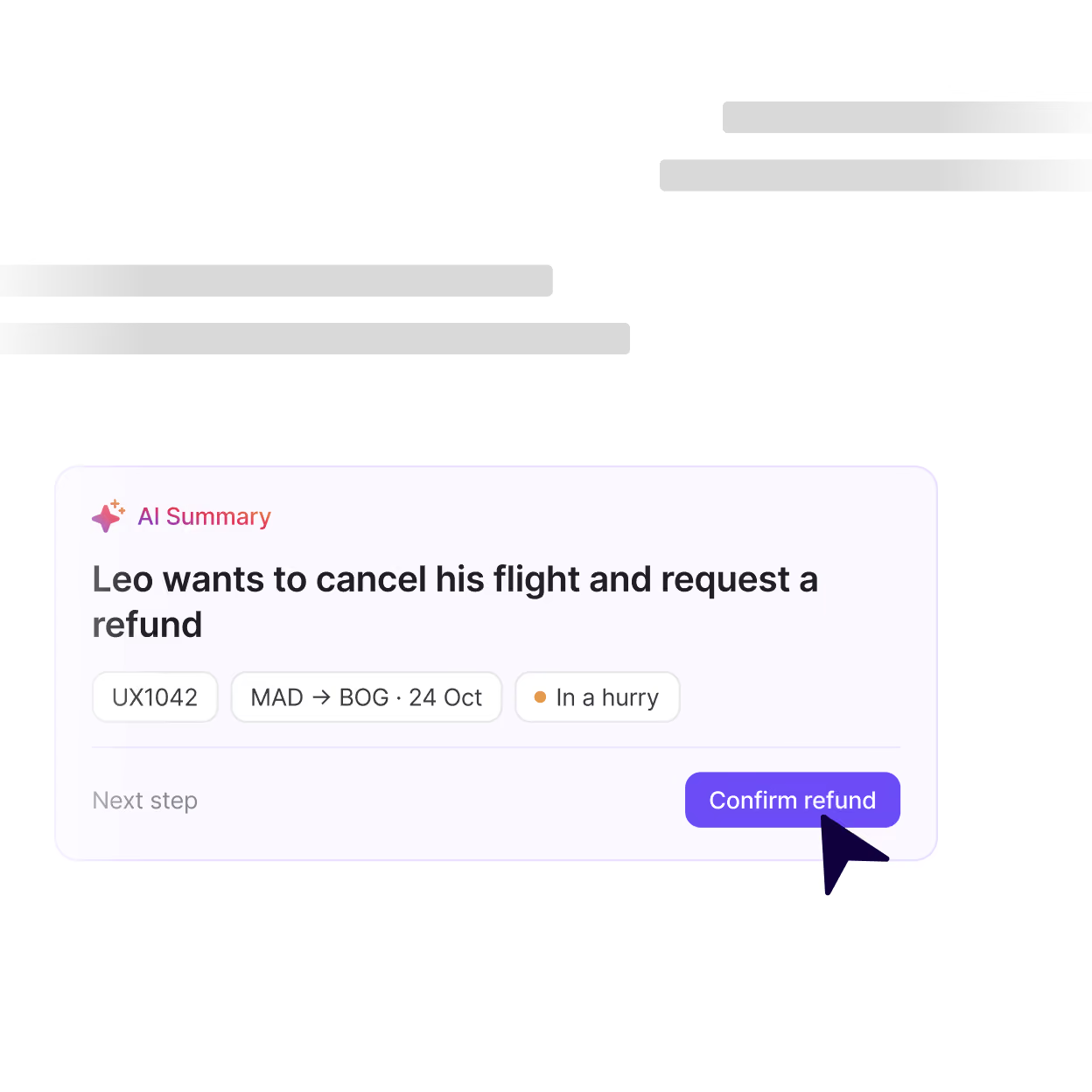
Hands off with context
When a request needs a person, the AI agent opens a case in your helpdesk with the conversation and the customer’s data, so the customer doesn’t have to repeat a thing.
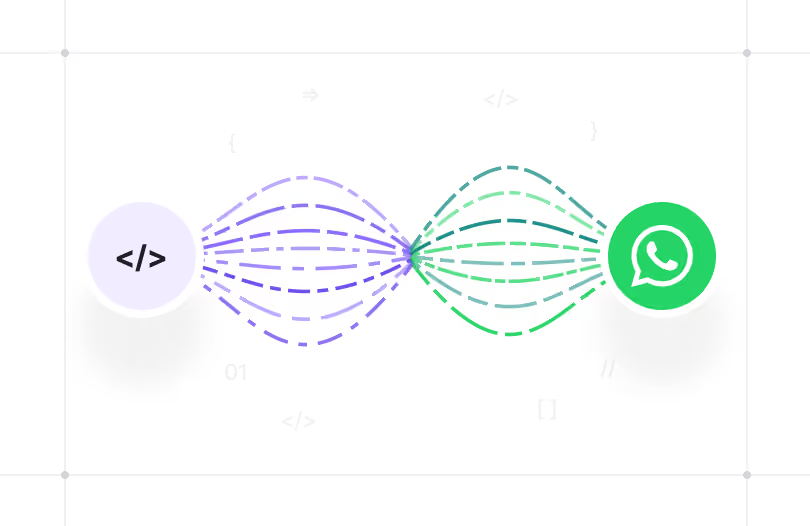
We build the bridge to your data. Your IT opens the door
We only ask your team for what we need: where the data lives and how to get to it. Development, testing and go-live are on us.

We pick what to automate | Your business team + Hubtype
We start with the requests that drive the most volume and map out which systems each one touches: what data needs checking and what needs updating.

Your IT gives us access | Your IT team
IT tells us which APIs are available and sets up access. We take it from there and build the integration.

We build and test | Hubtype
We build the integration and test it at volume before it ever reaches your customers.

We launch and scale | Hubtype + your team
We go live with the first use case, then add more on the same connection, based on what the conversations needs.


What should your customers be able to solve on WhatsApp?
Tell us which tools you use and which requests you want to handle there. We’ll show you what WhatsApp looks like once it’s connected to your systems.
Frequently asked questions
Yes. Your number moves to the new provider and you keep using it. Your systems don’t change either: your CRM, ERP or helpdesk stay exactly as they are, and we rebuild the WhatsApp connection from our platform. All your team has to do is give us access.
Yes. We have ready-built connectors for Salesforce, HubSpot and Zendesk, so your integration starts from a proven base.
The AI agent can still talk to the customer, work out what they need and collect their details. What it can’t do is look up or change anything in that system, so a person on your team takes care of that part.
That said, you don’t need every system to have an API to get started. When it gets to that point, the AI agent hands the conversation over to your team with the full context, so whoever picks it up isn’t starting from scratch and the customer stays in the same chat. Depending on the system, there are other options we can explore with you.
Only what’s sent as a WhatsApp message: what your customer writes and what the AI agent or your team replies. When the agent checks your CRM or ERP, that request goes straight between your systems and Hubtype, without passing through Meta. The only thing that reaches the chat is what the agent includes in its reply.
When a request involves sensitive data, like a payment or a document, it happens in a webview: a screen that opens inside the chat. What’s in it isn’t sent as a WhatsApp message, so it never goes through Meta.
You need a platform that connects to both sides: to WhatsApp through the WhatsApp Business API, and to your CRM through its own API. That platform acts as the bridge, so WhatsApp can check and update the information in your CRM. Hubtype is one of those platforms.