
Business WhatsApp: every chat stays with your business
With WhatsApp Coexistence, your team keeps talking to customers from their phones, with their own number and name. Your company gets access to those conversations, keeps a record of them and can step in when it needs to.
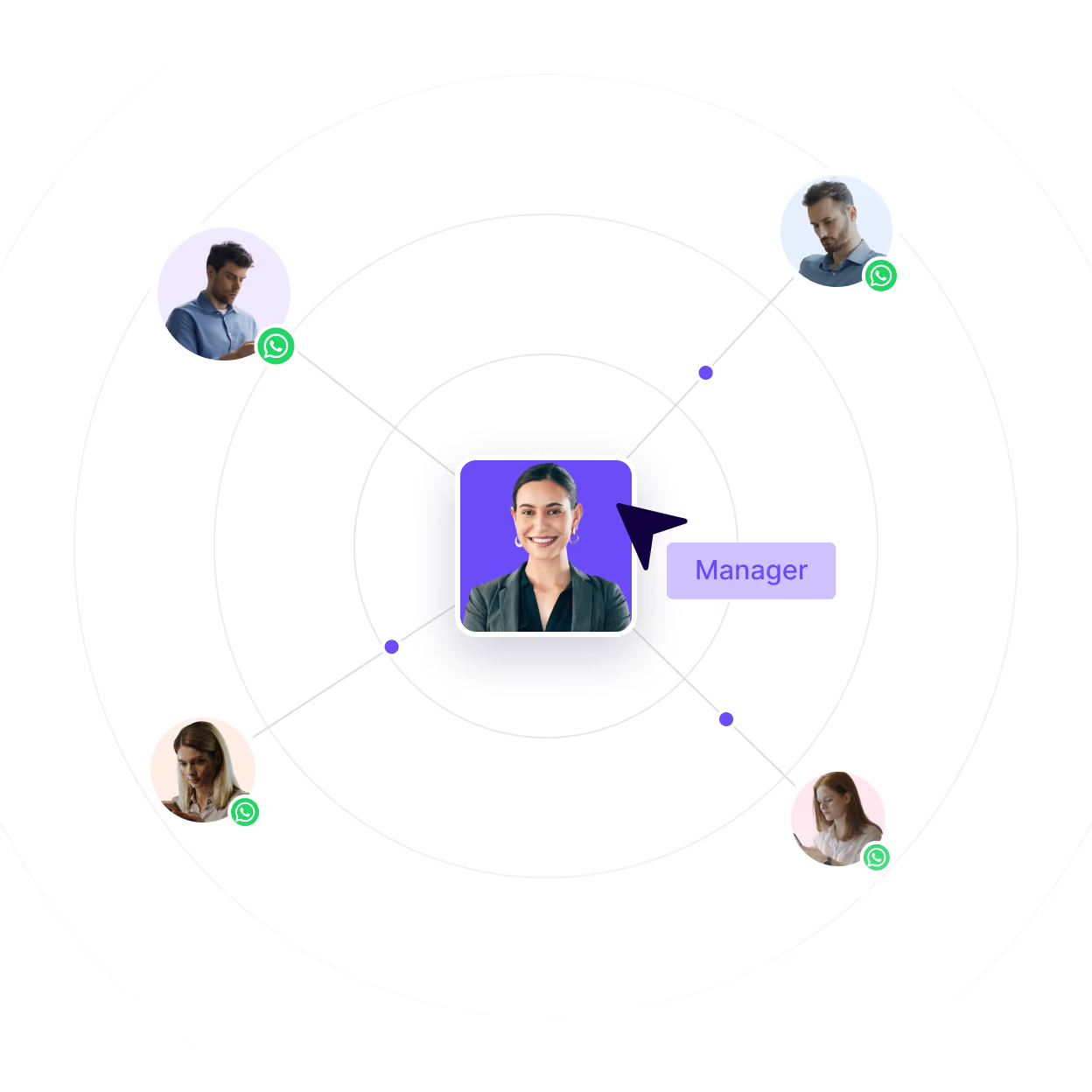


















Your busiest channel is the one you can’t see
Your team talks to customers from the WhatsApp Business app. It works, but you never see any of it.

No visibility
Whatever gets agreed with a customer isn’t written down anywhere.

No continuity
When someone leaves, their customers go with them.

No compliance
Nobody knows where customer data ends up.

No quality control
You can’t check how customers are being looked after.

No CRM sync
Your CRM has no idea what’s happening on WhatsApp.
WHAT IS COEXISTENCE
WhatsApp for business, on the number you already use
WhatsApp Coexistence lets one number run on the WhatsApp Business app and on your platform at the same time. Your reps keep using the app on their phones, and every conversation shows up on your side as it happens.

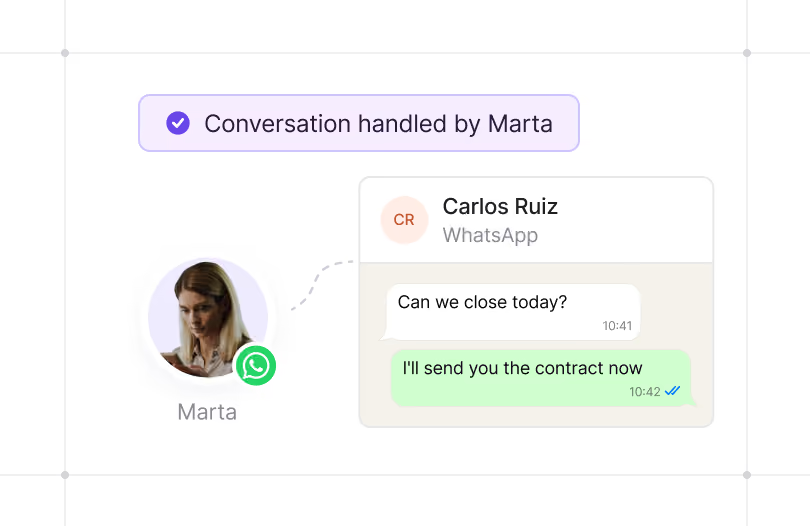
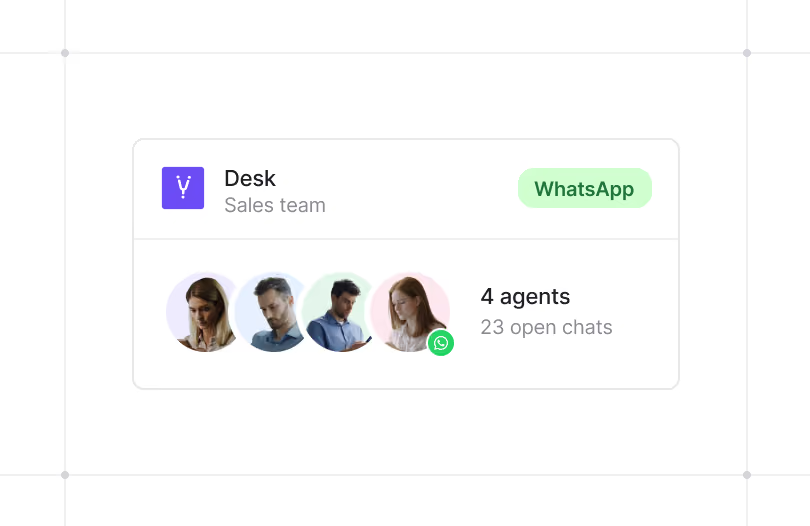
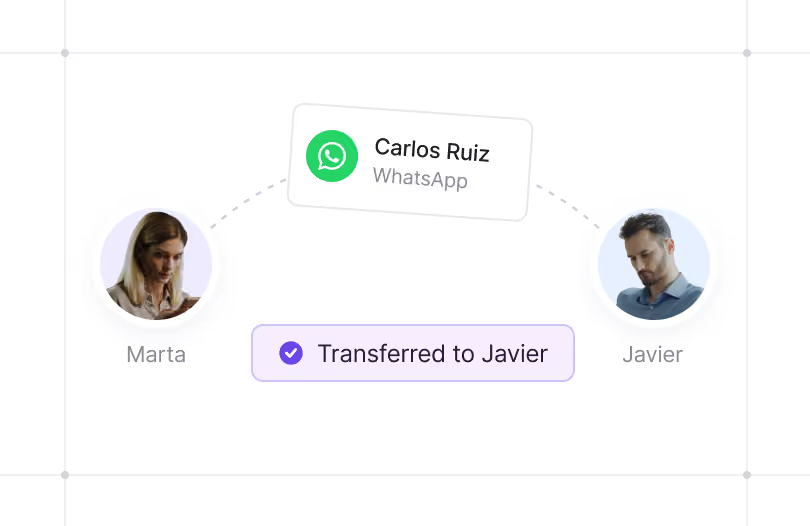
Coexistence connects. Hubtype organizes
Coexistence gets your team’s WhatsApp conversations off their phones and into your business. Hubtype makes them workable: a multi-agent WhatsApp Business inbox, with full history and connected to your CRM.

Oversee conversations across your entire sales network from one unified helpdesk.

Recover up to 5 years of chat history (photos, videos, and voice notes included), well beyond Meta’s standard 6-month window.

Automate replies off-hours without the customer noticing a drop in quality.

Sync directly with Salesforce and other CRMs, no manual data entry required.

100% GDPR compliant: Archive every message and file on secure corporate servers.

Assign chats seamlessly between managers, complete with full context when someone is out of office.

Lightning-fast onboarding takes just 15–20 minutes per manager. Absolutely no system changes for your team.
Customers chose WhatsApp. The question is who runs it
SUCCESS STORY
Occident can now see what its agents say on WhatsApp

Challenge
Conversations Occident couldn’t see: its agents talked to customers from their own WhatsApp Business app, and the chat history stayed on each agent’s phone.

Solution
Same number, now connected: with Coexistence, each agent stays in their app and Occident sees the conversations as they happen, with nothing to migrate.

Result
Visibility without switching apps: Occident supervises conversations, has the context at hand and can pick up any customer where an agent left off, while agents keep working just as they did before.


Your team keeps their phones. You keep your customers
In the demo, we’ll show you how a WhatsApp Business number connects to the platform and what you can see from that moment on, while your team keeps working from their phones. If you already know which numbers you want to connect, we’ll start there.
Frequently asked questions
A business WhatsApp number is the number a company uses to talk to its customers. It can run on the WhatsApp Business app, from a phone, or on a platform connected to the WhatsApp API, where several people handle the same number and conversations are logged.
Coexistence brings the two together: the number a rep already uses in the WhatsApp Business app connects to the company’s platform and works in both places at once. Your team keeps talking to customers from their phones, and the company sees and keeps every conversation, even after that person leaves.
With Hubtype, activation happens in two parts.
- First, we connect your company’s WhatsApp Business account to the platform.
- Then each person on your team links their number from their phone: they enter it in Hubtype, scan a QR code with the WhatsApp Business app and accept the permissions.
By default, Meta syncs six months of chats, and only the text. With Hubtype, you can recover up to five years of history, including photos, videos and voice notes. Each person’s setup takes 15 to 20 minutes, and the app keeps working the whole time, so no one has to stop replying to customers.
Coexistence is a Meta feature, but you don’t switch it on through Meta. You connect it through the sign-up flow that WhatsApp Business providers build into their platforms. On top of that, the WhatsApp API doesn’t come with a helpdesk or automation. Hubtype adds that layer: a helpdesk for your whole sales network, automation, and CRM integration with no manual data entry.
Yes. Coexistence runs on the API: it lets one number live on the API and in a rep’s WhatsApp Business app at the same time. If your reps talk to customers from the app using their own numbers, you can connect those numbers to your platform without taking them off their phones.
How secure WhatsApp Business is depends on where your conversations live. If they live on an employee’s phone, you don’t know what customer data is going through it or where it ends up, and that isn’t enough to comply with GDPR. With Coexistence, the platform archives conversations, and any documents shared in them, on your company’s servers, so you know what data you hold and where it is.