
Create a new bot
What is Bot Creation?
- The goal is to create a new bot using the latest version of Botonic, with the following plugins: analytics, knowledge bases, AI agents, and flow builder.
- Being able to create bots from the frontend with just a few clicks adds significant value to the company. There is no need to write code or deploy from the terminal to have a working bot. With this feature, any non-technical person can create a new bot.
- Bot creation is part of the product. After creating the bot, it is necessary to enter the flow builder and create a flow. Once the flow is created, integrations must be set up in order to interact with the bot.
Key Concepts
- Staging bot: A staging bot is designed to test conversational flows without affecting managers, agents, or analytics. Cases generated by a staging bot are tagged as “Test” and are visible only to admins. They do not trigger auto-assignment and are not stored in the case archive once resolved.
How to use it?
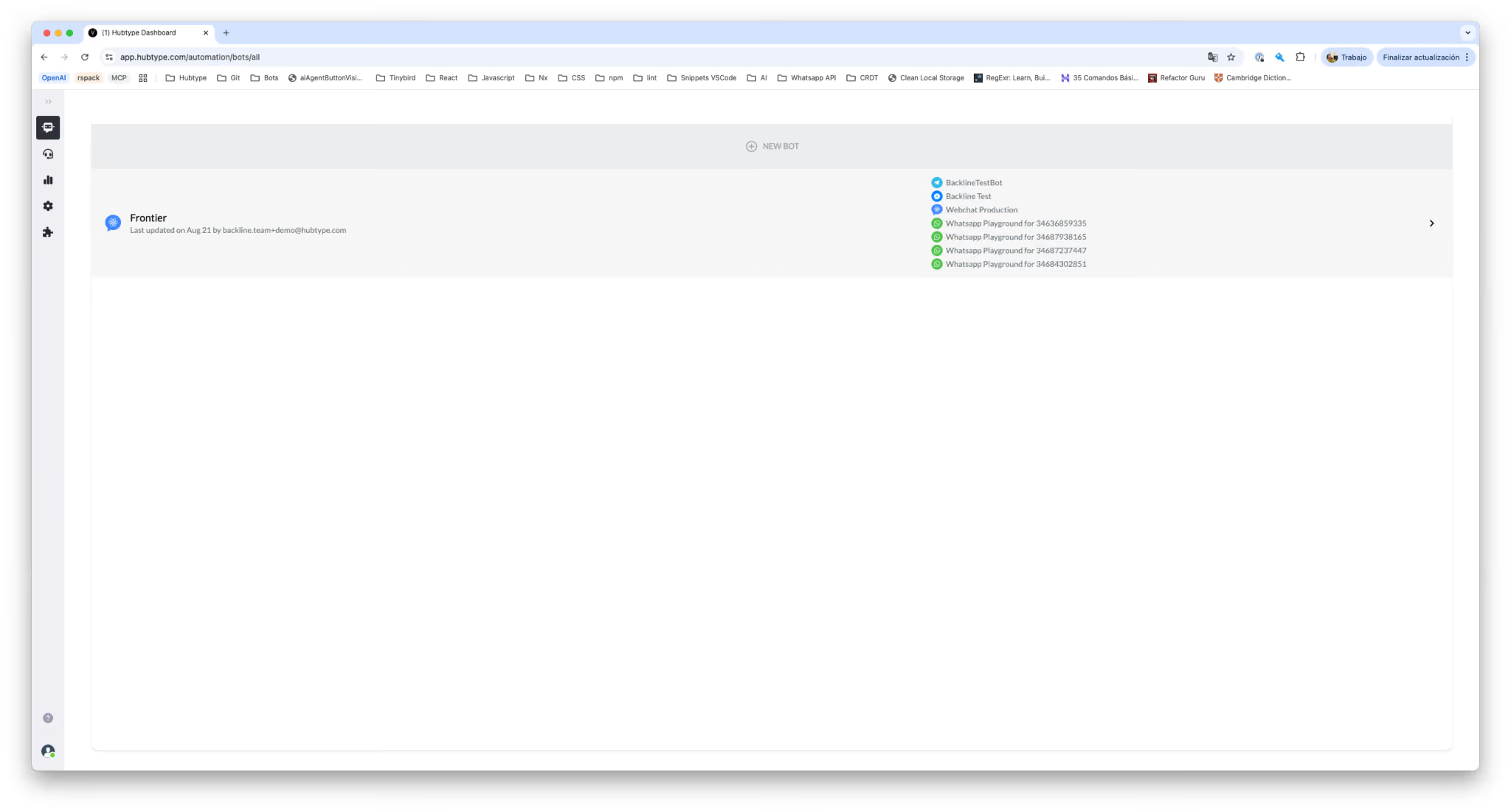
- Go to https://app.hubtype.com/automation/bots/alland and click in + NEW BOT button on the top of the page.
- Then set a name for the bot and if you want to create this new bot as a staging bot.

- When you click the Create button, you will be redirected to the Flow Builder page to create your first flow. Create a welcome message and a fallback message so you can save and publish the flow without any errors.

- After creating and saving your flow, reload the page. Your bot will already be deployed (the deployment process may take about 1 minute). Once the bot is deployed, the Preview button will become active. Click this button to open the preview Webchat and test your bot. This Webchat does not require any integration and is intended for testing purposes only.
Pre-conditions
- You must have an organization in Hubtype and be logged in with a user account that has admin permissions.