
Overview
What is the Overview tab?
The Overview tab is the landing page for Analytics. It tries to provide some valuable information that the organization needs to keep in mind: active users, account usage and channels that are being most used.
In case MAUs or Accounts usage limits were not enough, a button Request more licenses is available for you.
Key Concepts
Monthly active users (MAUs): The total number of unique end-users engaging with your organization across various channels in a given month. Each user is counted separately by channel.
Account usage: The total number of active accounts used in the organization.
How to use it?
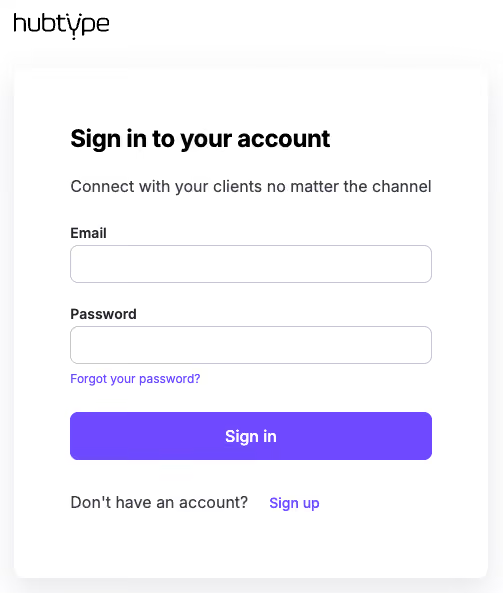
To use it, first log into your account:
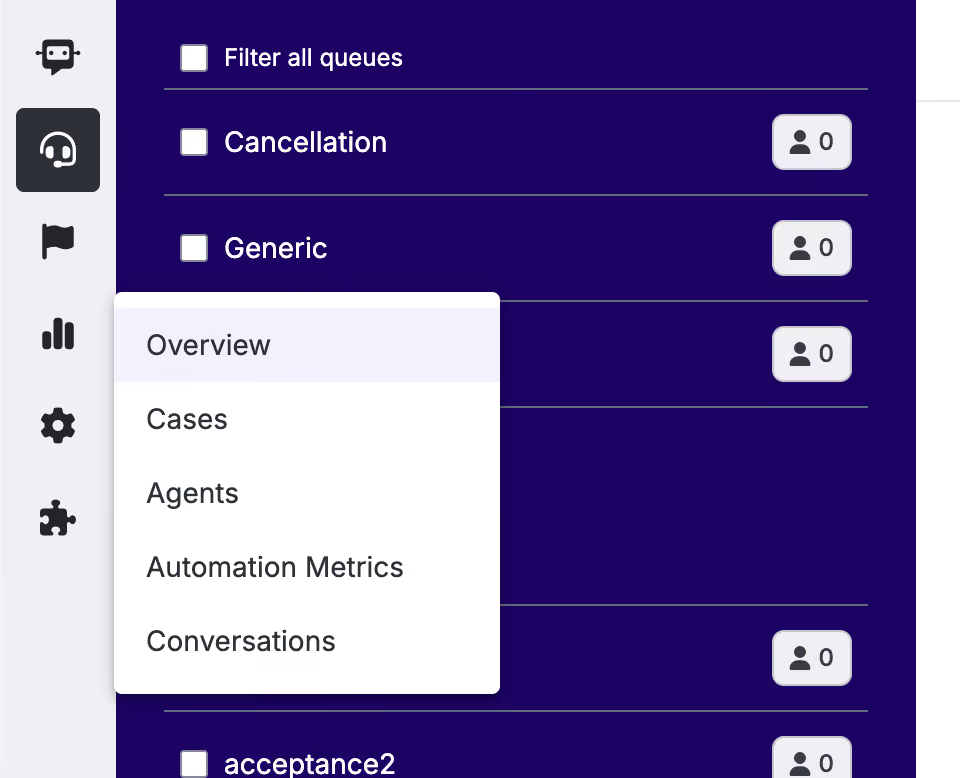
Navigate into the left-side bar and click the Overview section.
Examples or Use Cases
Erika, an admin at a national insurance company, wants to know if the MAUs contracted with Hubtype are sufficient or if the upcoming months tend to be busy.
She sees that this month’s MAUs are reaching 90%, and by selecting “Year” in the filter dropdown, she notices that next month was the busiest period last year. Because of this, she clicks the “Request more licenses” button so Hubtype’s team can assist her immediately.