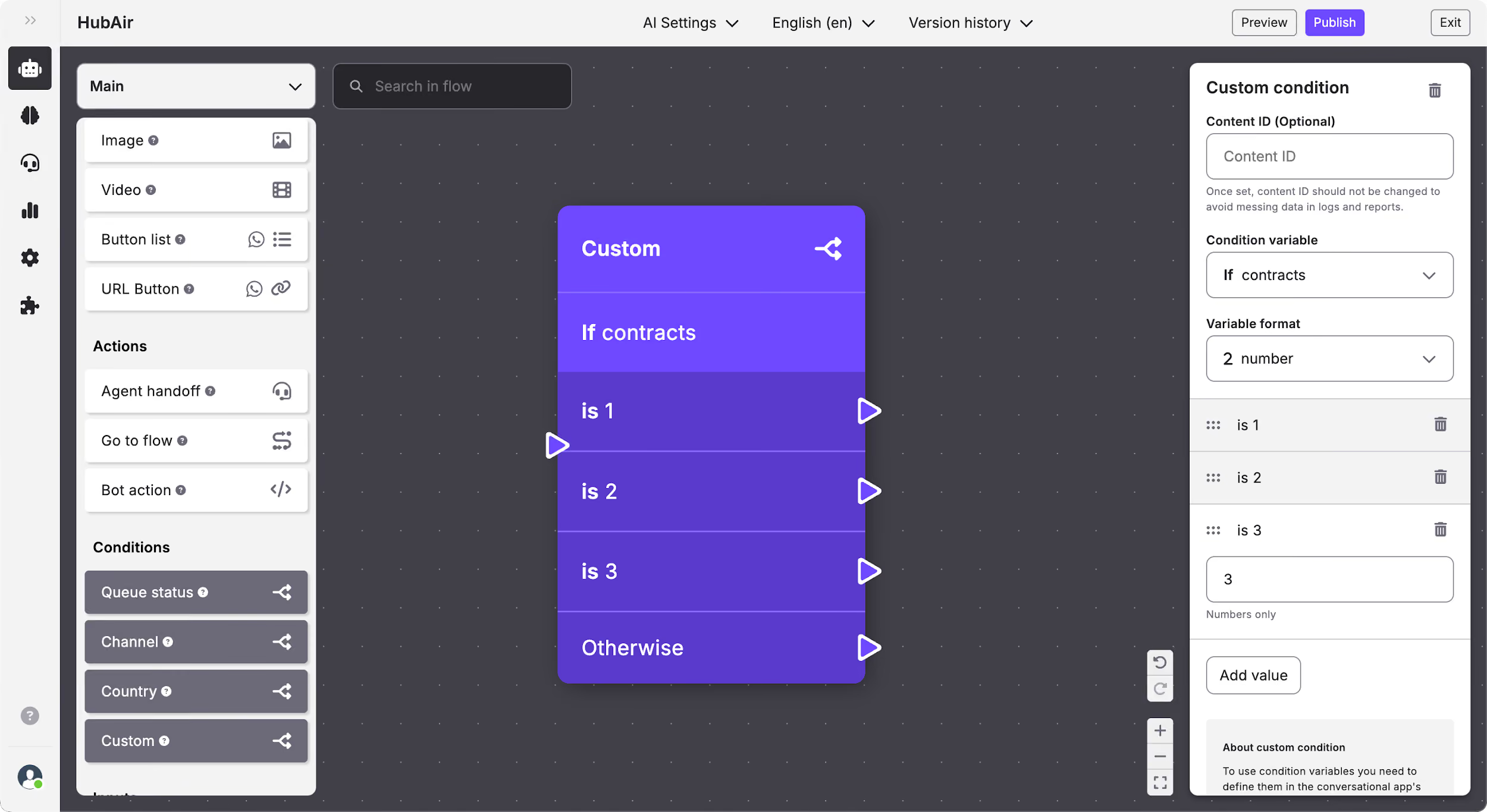
Flow Builder: Add a Custom condition
What is a Custom condition?
The Custom condition allows you to define different paths in the flow based on custom variables that have been previously defined in the bot’s code. This makes it possible to tailor the user journey based on specific context or events that occurred earlier in the conversation.
How to edit the Custom condition
In the Custom status condition you can edit:
- Content ID.
- Condition variable: To use condition variables you need to define them in the conversational app's code and then add them in the Condition variable dropdown by using the exact same name. Once you have defined, you will be able to select the one you need.
- Variable format: Once you have added the variable, you have to select the variable format. It can be string, boolean or number:
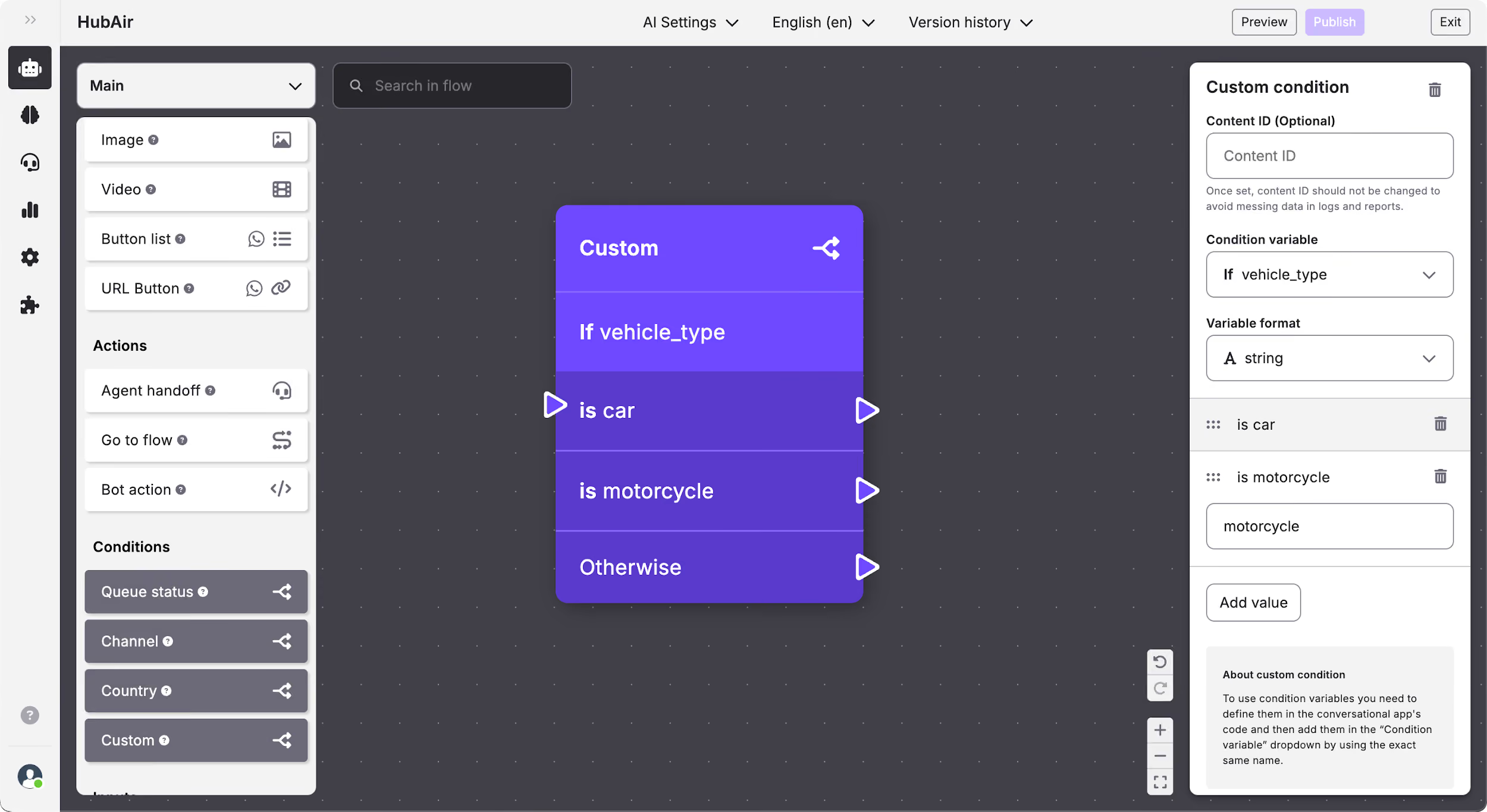
- String: With this format you will be able to include as many values as desired and each of them will follow a different path.
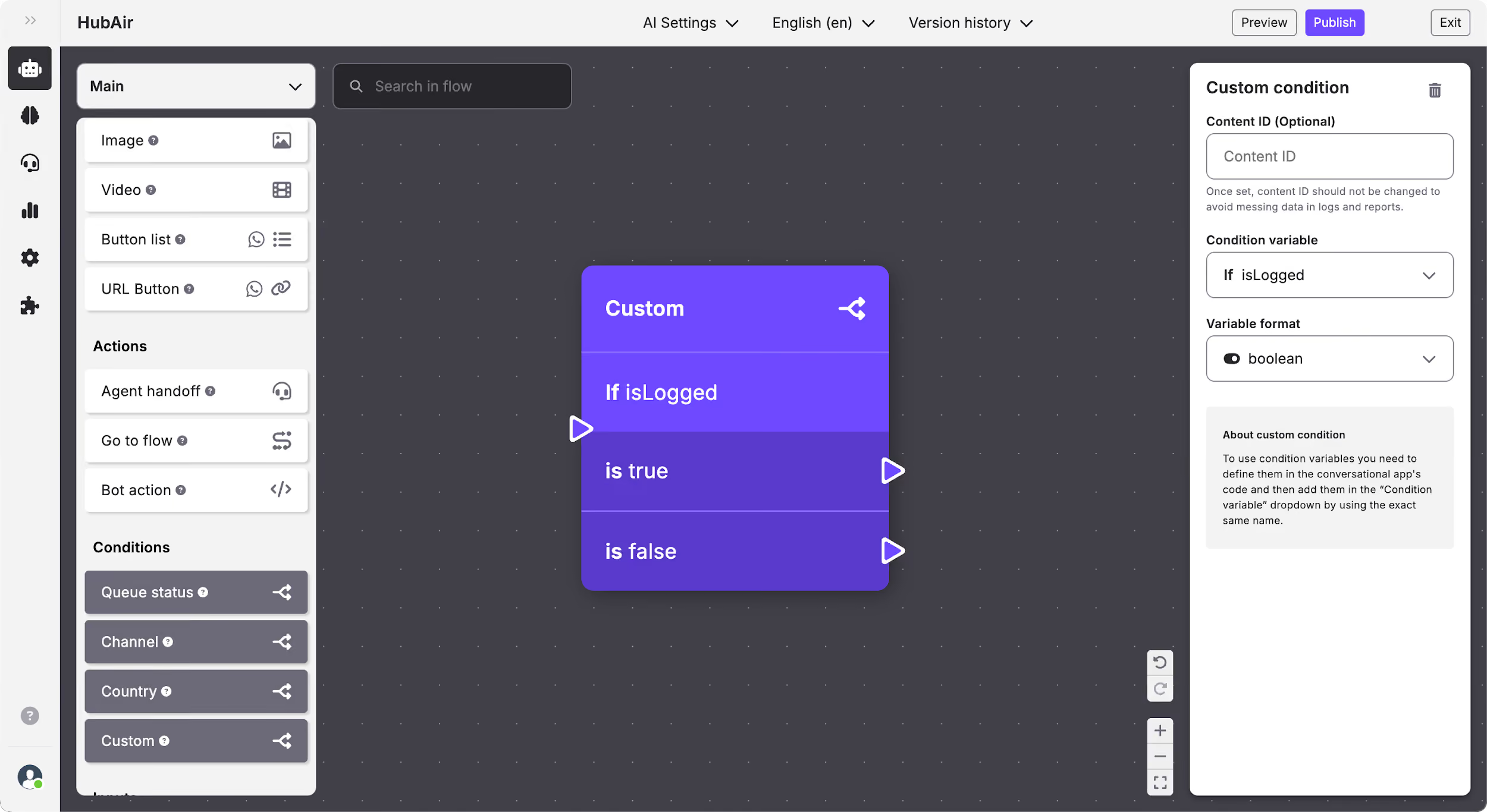
- Boolean: With this format you will be able set different paths depending if the variable is true or false.
- Number: With this format you will be able to include as many values as desired and each of them will follow a different path.