Knowledge base: What is the Knowledge Base and how to use it?
Overview
The Knowledge Base in Hubtype is where you centralize all the information your Conversational App uses to answer user questions.
It allows you to upload files or link to web pages that contain helpful, structured information — so your app can respond with accurate, up-to-date answers.
By keeping your Knowledge Base organized and current, you ensure that your AI Agent or bot always has the right data to draw from when interacting with users.
What are knowledge sources?
Knowledge sources are the files or URLs that contain the information your conversational app uses to respond to end-user queries accurately. When a user interacts with the app, it references these knowledge sources to provide helpful and informed answers.
Currently, knowledge sources can be added in the following formats:
- PDF (.pdf)
- Word Documents (.docx)
- Text Files (.txt)
- Excel Sheets (.xlsx)
- CSV Files (.csv)
- URLs (https://webpage.com)
By using a mix of file types and URLs, you can create a comprehensive and current knowledge base to enhance the quality of your conversational app’s responses.
Accessing the Knowledge Base
To access the Knowledge Base, follow these steps:
- Log into your Hubtype Dashboard: Start by logging into your Hubtype account.
- Navigate to the Automation Section: The AI section is located in the navigation bar on the left side of the screen.
- Access the Knowledge Base.
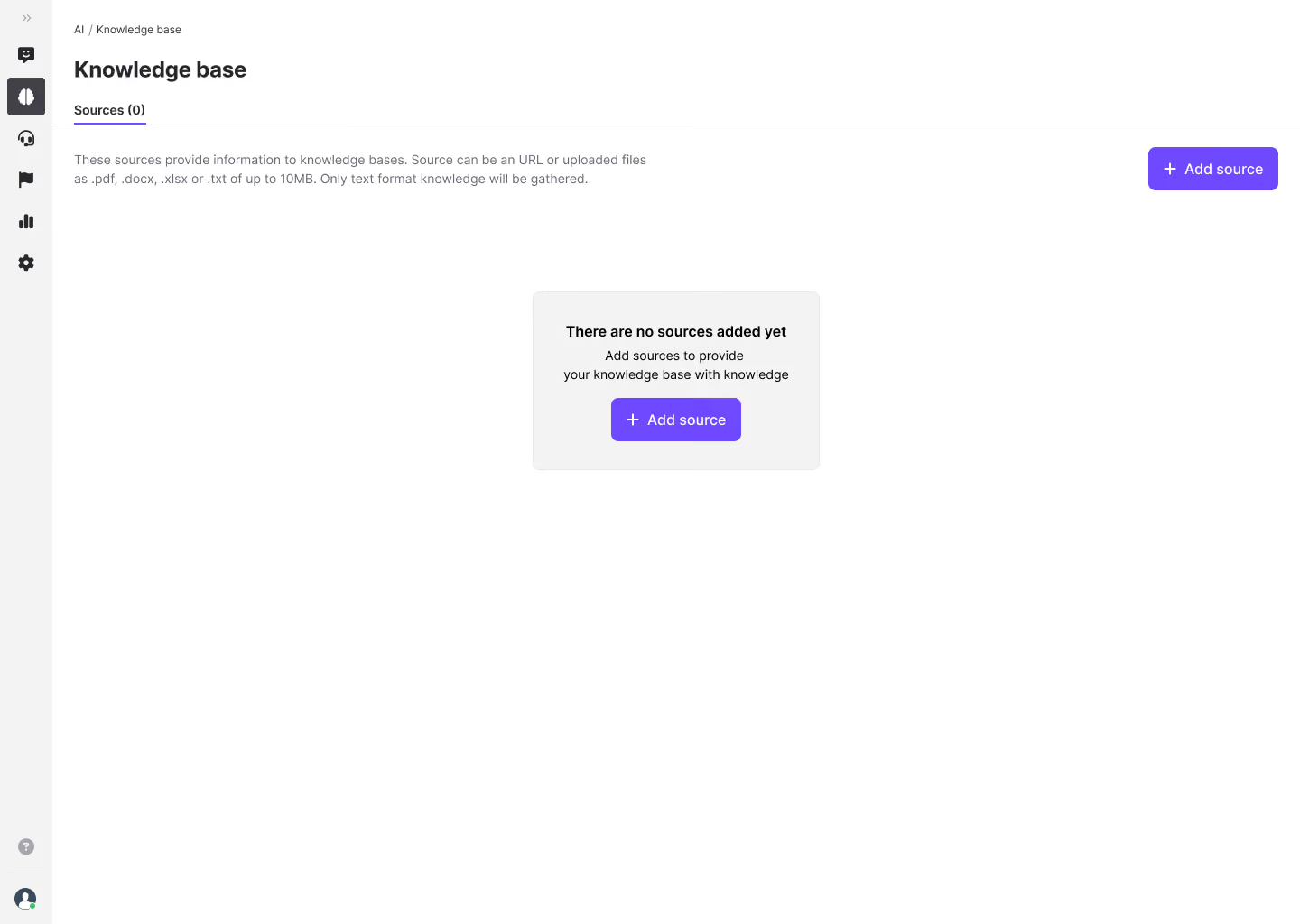
Once you have access to the Knowledge base, you will arrive to a screen indicating no sources have been added yet if it's your first time using it.