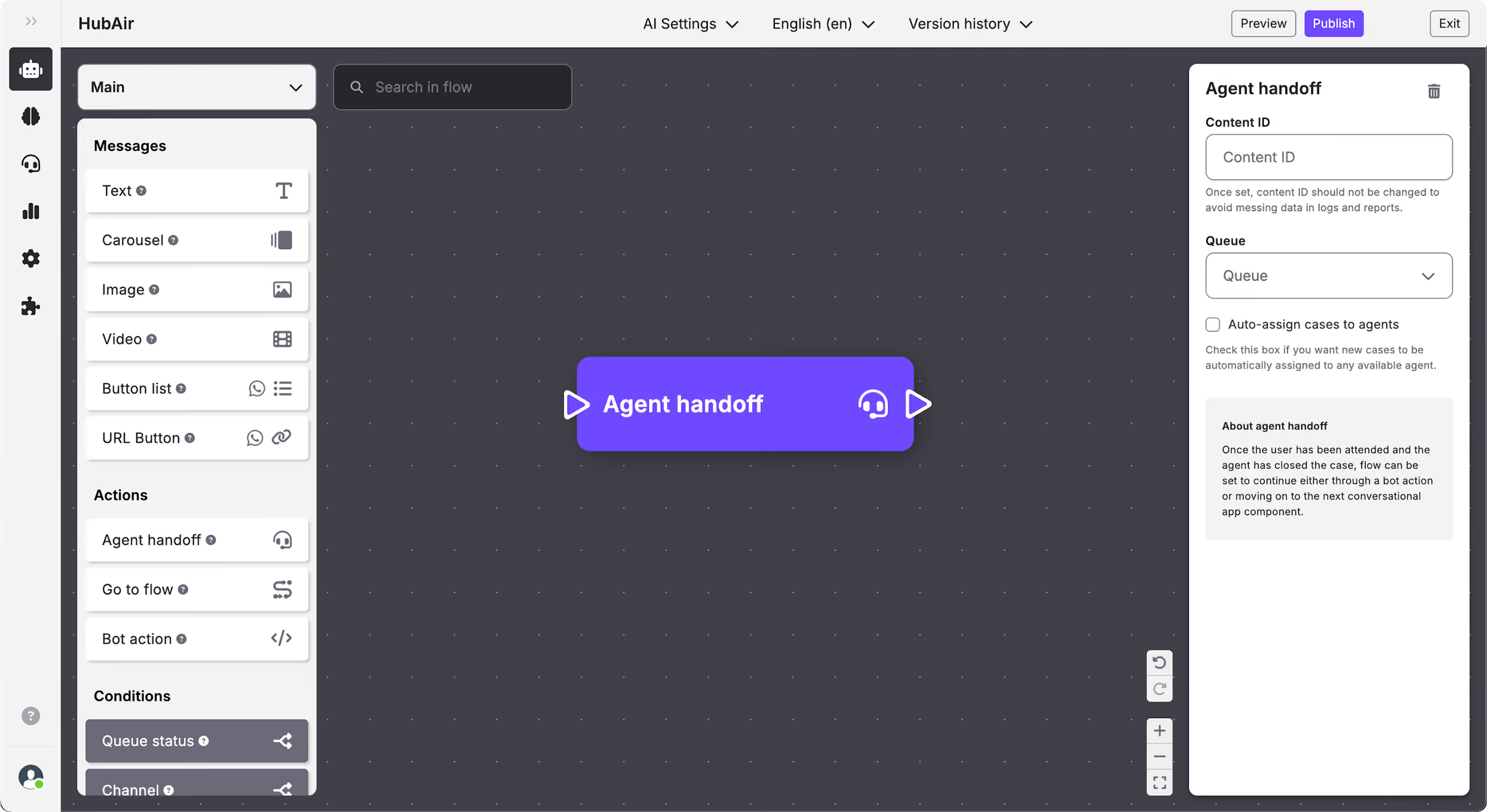
Flow Builder: Add an Agent handoff
What is Agent handoff?
Agent handoff content allows you to transfer the user to a human agent in a specific queue. You can use it in moments where the Conversational App is not capable of solving user queries.
How to edit the Agent handoff
In the Agent handoff content you can edit:
- Content ID.
- Queue: when you click on the queues drop-down menu, you will see the queues already configured in your Organization divided by Projects, and can select the one you want. Queues are where cases will be created so that human agents can be assigned to them and talk to the user.
- Bot action after agent assistance: set a bot action that has been defined previously in the bot's code that will be triggered once the user clicks on the button.
- Auto-assign cases to agents: by checking this box the new cases will be automatically assigned to any available agent.