
Webhooks
What are webhooks?
Webhooks are a mechanism that lets your system receive automatic, real-time notifications whenever a specific event occurs in the helpdesk. Instead of manually checking for updates, the system sends an HTTP request to the URL you configure, containing details about the event.
Purpose: They solve the need to instantly know when important changes happen in cases or messages, without relying on manual checks or scheduled synchronizations.
Value:
- For end users: Enables seamless integration between the helpdesk and external systems like CRMs, reporting tools, or internal notification platforms.
- For businesses: Improves efficiency by automating workflows based on events.
Scope: The webhook system is part of the Helpdesk product. It is not a standalone tool but is designed to enhance case management through external integrations.
Key Concepts
Webhook: An HTTP POST request sent from the helpdesk to the configured customer URL.
Event: The trigger inside the helpdesk that fires the webhook (e.g., new case, new message).
Payload: The JSON body sent with the webhook containing the relevant event data.
How to use it?
UI Walk-through
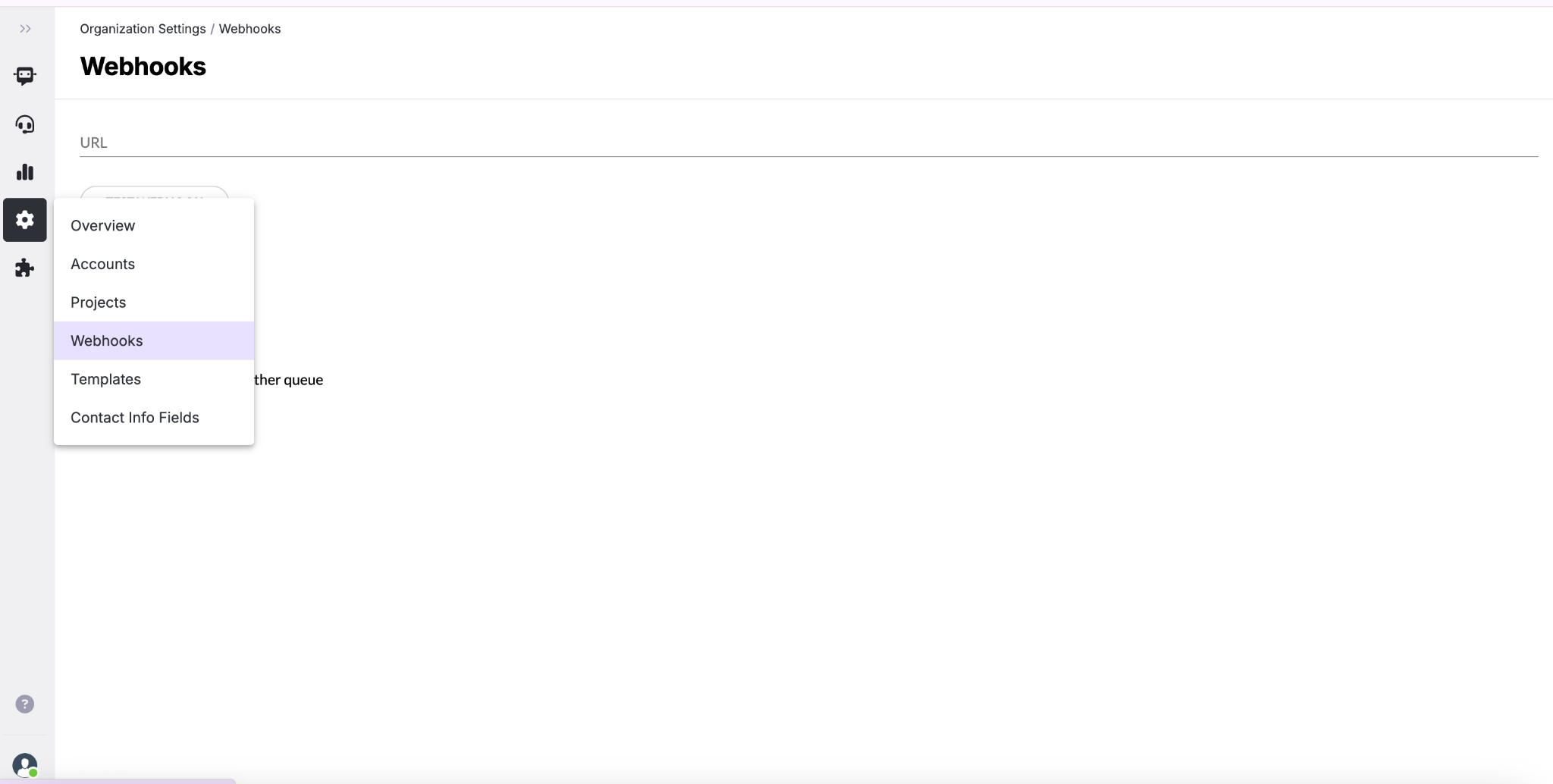
1. Go to the Webhooks section in your helpdesk settings.
2. Set the target URL: Enter the endpoint on your system that will receive the notifications.
3. Choose which events to listen to by selecting one or more checkboxes:
- New cases: triggered when a new case is created. Payload includes case details.
- New messages: triggered when a new message is received. Payload includes message details.
- Case resolved: triggered when a case is marked as resolved. Payload includes case details.
- Case assigned to agent: triggered when a case is reassigned. Payload includes both the previous and the new agent.
- Case transferred to another queue: triggered when a case is moved to another queue.
4. Save your configuration.
5. (Optional) Use the Test webhook button to send a test event and confirm that your system receives the notification correctly.
Pre-conditions
- An active endpoint that can accept HTTP POST requests.
- The endpoint must be able to parse JSON.
Post-conditions
- Once configured, whenever a selected event occurs, the system will automatically send a POST request with the event data to the specified URL.
Examples or Use Cases
Example 1: CRM Synchronization
A customer connects the webhook to their CRM. When a case is reassigned to a new agent, the CRM automatically updates the client’s record with the new assignment.
Example 2: Registration service
A customer connects the webhook to a logging service. They want to track in their systems when a new case is created.
Best Practices
Do’s
- Always use a secure endpoint (HTTPS).
- Log every event received for tracking and debugging.
- Handle HTTP status codes properly: return 200 OK to confirm successful delivery.
- Use the Test webhook button before going live.
Don’ts
- Don’t configure a URL that is inactive or unable to process JSON.
- Don’t select unnecessary events, as it may overload your receiving system.