Flow Builder: Add Carousels
What is a Carousel?
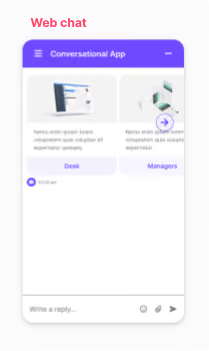
A carousel is a type of content in which you can include several elements next to one another. They can include elements such as: an image, title, subtitle, description and/or button. The user will be able to navigate through the elements by sliding right and/or left. They can be used to display a list of products, features, or any other type of information you choose.
Important: Carousel content is only supported on web chat channels.
How to edit a Carousel
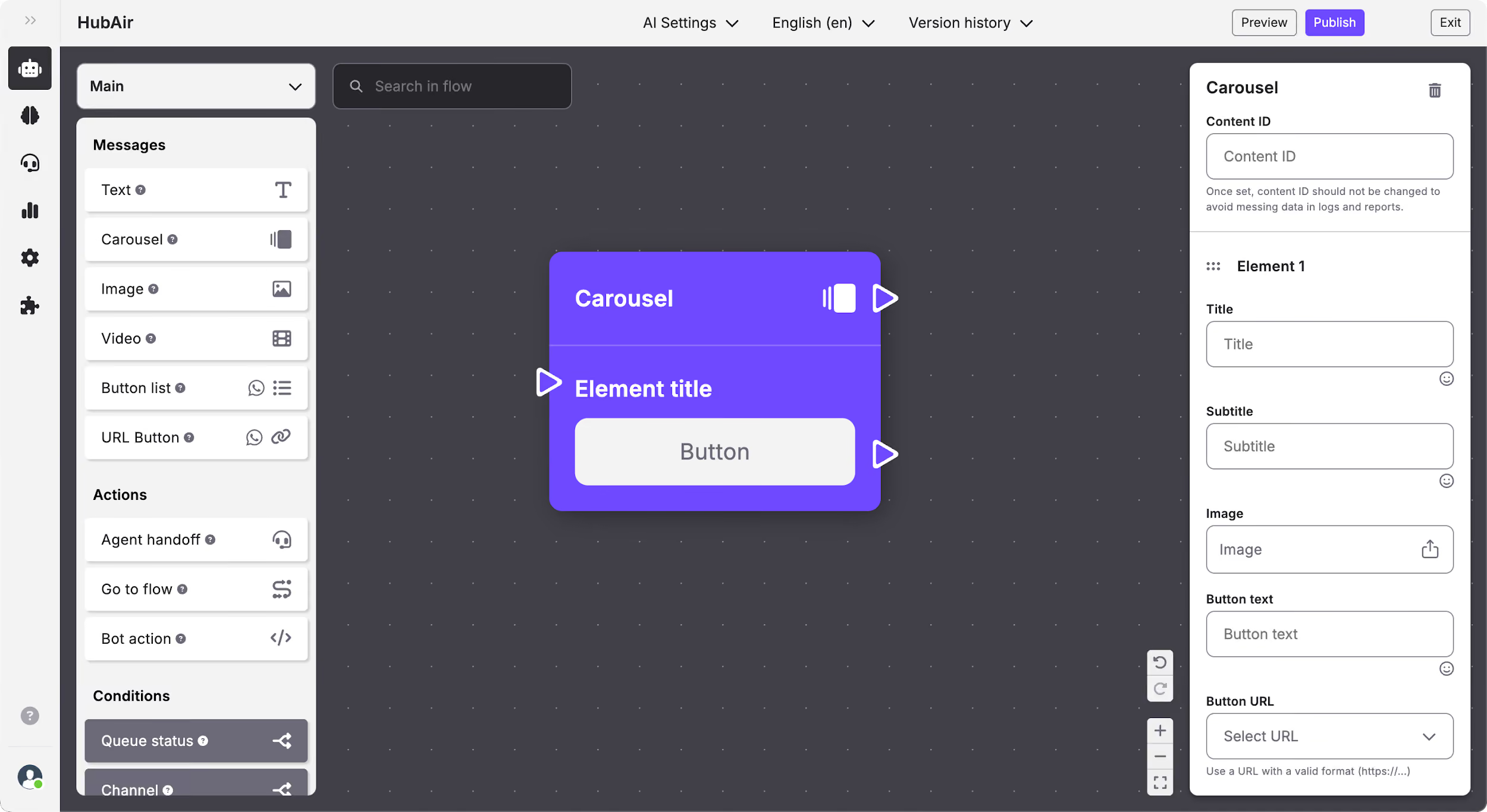
You can add as many elements as you desire to the carousel content, and in each one you can edit:
- Content ID.
- Title: Edit the title of the element using text and emojis.
- Subtitle: Edit the subtitle of the element using text and emojis.
- Image: Add an image to enrich the content.
- Button text: The text that will appear on the button that the end-user will click on. You can use text and emojis.
- Button URL: Add a web address that you want to redirect the user to once he/she clicks on the button.
How the Carousel content is displayed in each channel