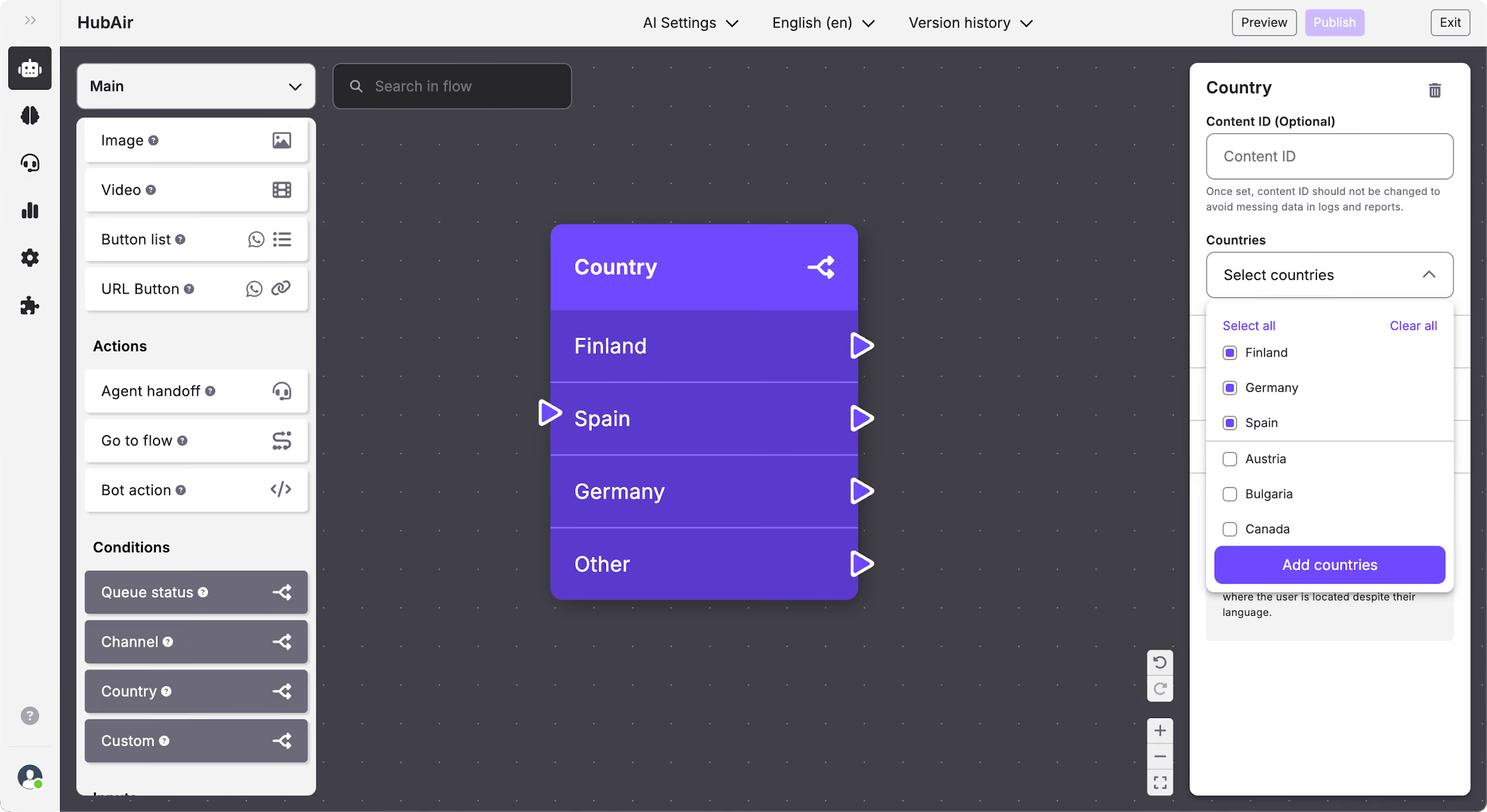
Flow Builder: Add a Country condition
What is the Country condition?
The Country condition allows you to set different paths depending on the country from which the end user contacts you. This way you can manage differences in content that is in the same language, but it’s different depending on the country (e.g: return policies or costs).
How to edit the Country condition
In the Country status condition you can edit:
- Content ID.
- Countries: when you click on the drop-down, you will see a list of the available countries and you can select the ones that you want to create different paths. Any other countries that you have not selected will follow the “Other” path.