
Flow Builder: Version history
Flow Builder stores all versions you have published to allow you to go back to a previous version in case you make changes you want to reverse. To recover a previous version, you have to click on Version history which is located on the top bar.
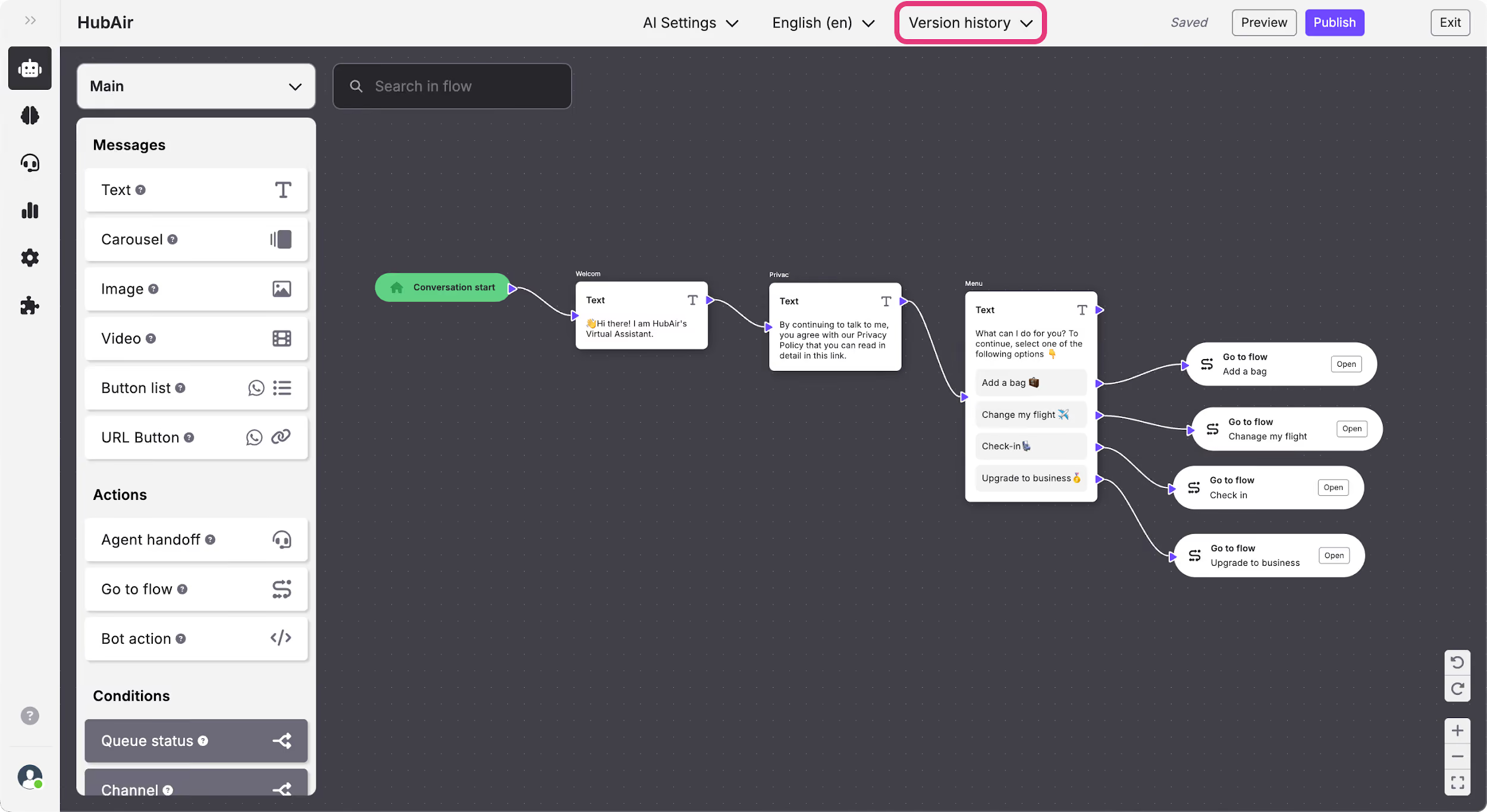
Once you click on it, a menu will appear with all the previous versions that you have published with the date, hour and name of who published it.
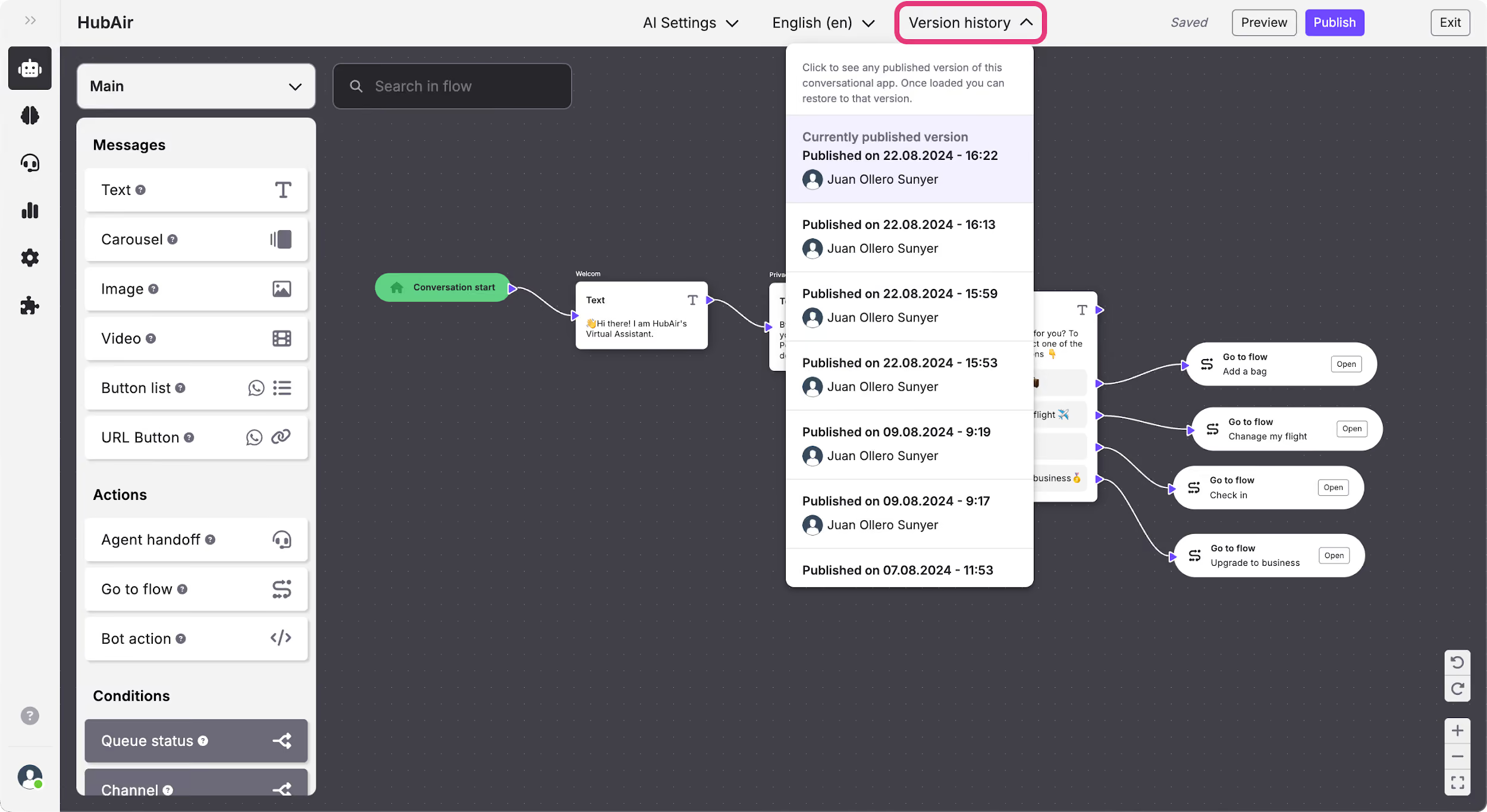
To recover one of them, click on your chosen version and wait while a loading screen appears. The version will then be visible so that you can review if it is the version you wanted or not. A banner will appear on the bottom of the screen with the information about the version and the option to restore it or cancel the action.
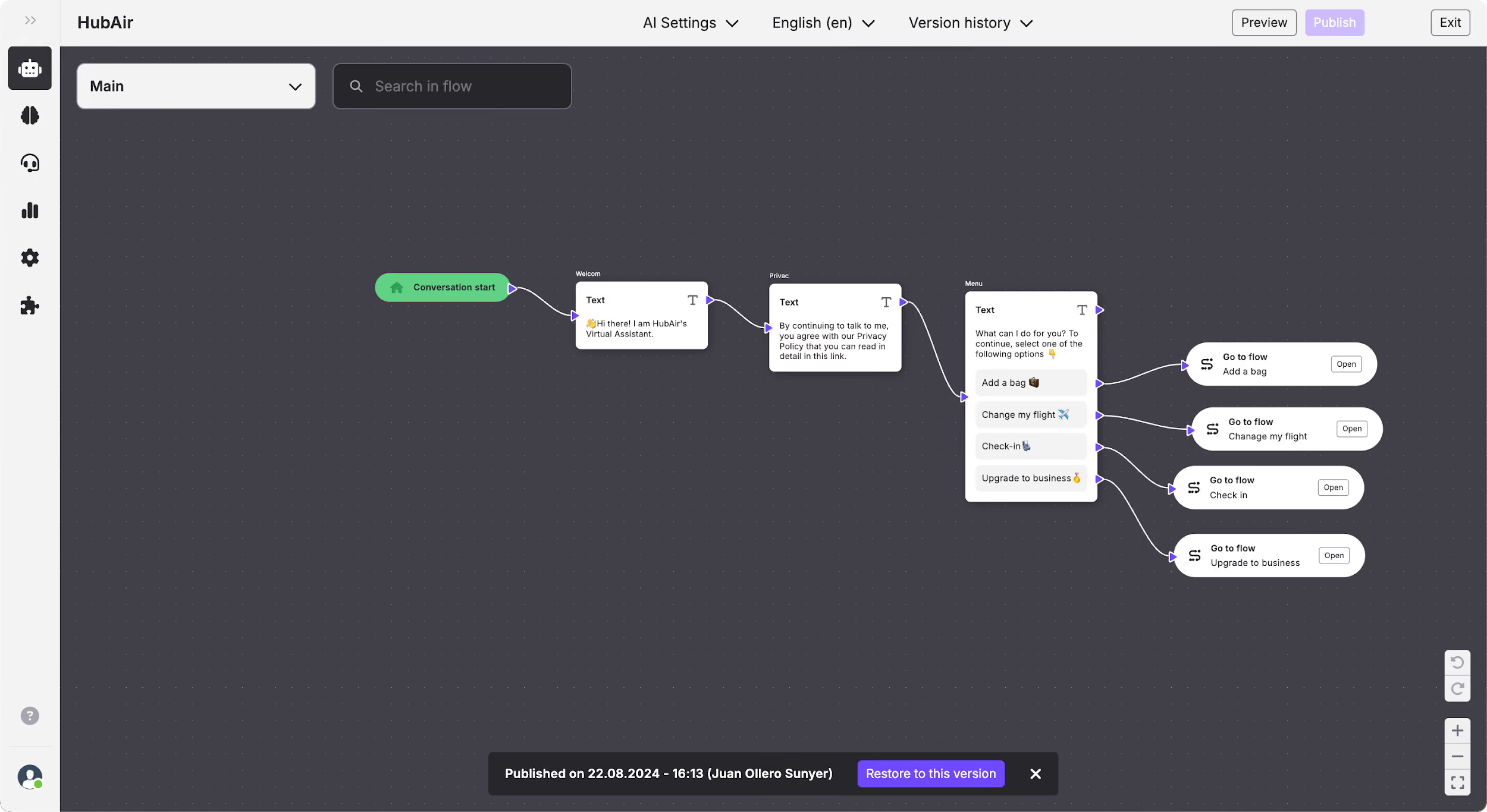
If you click on Cancel, you will return to the last version you have published, and if you click on the Restore version a pop-up will appear to confirm that you want to restore it.
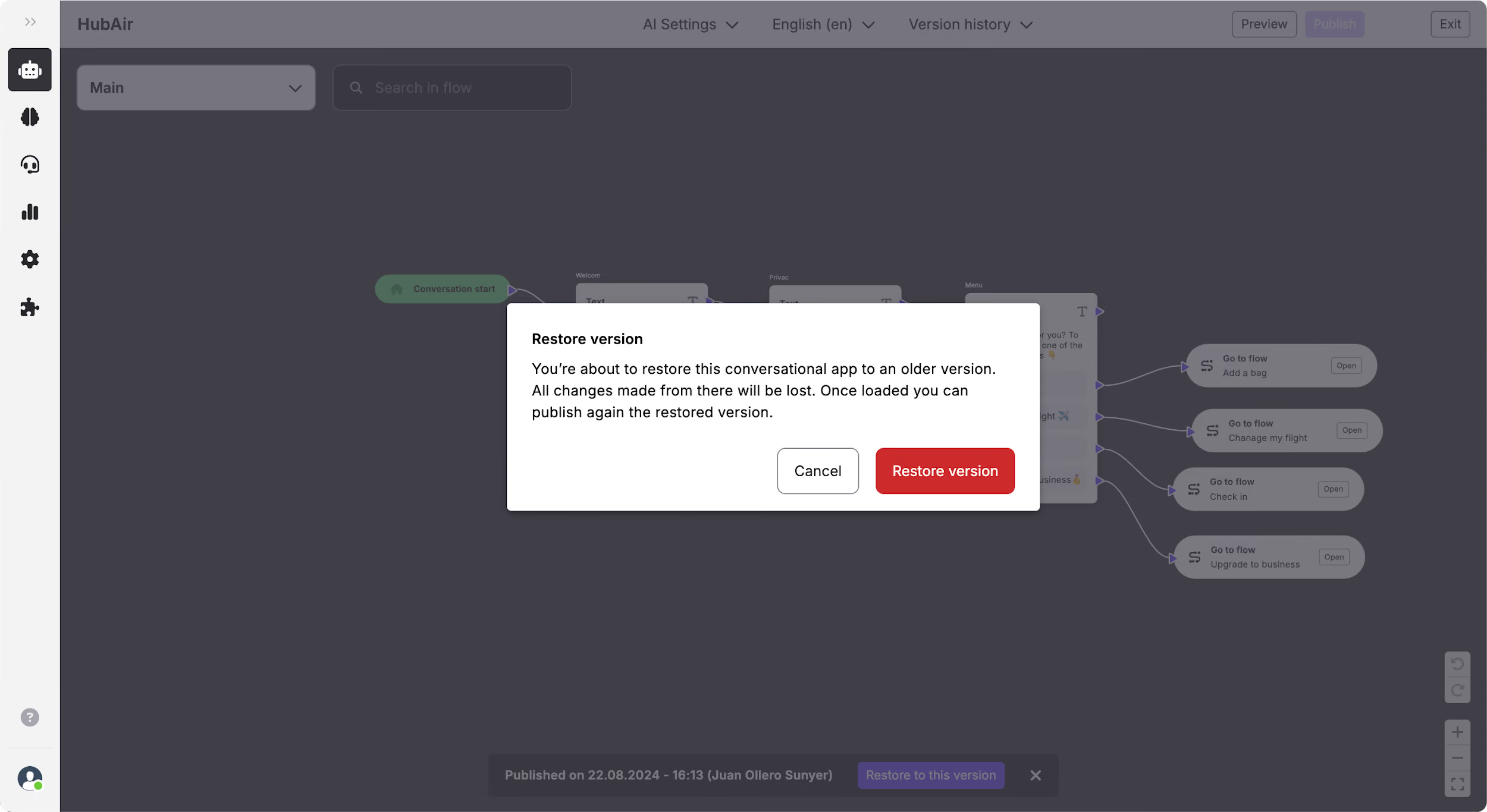
Once you click on the Restore version button it will be loaded and you can continue working on your conversational flow. Bear in mind that this version won’t be included in the version history menu until you publish it.