Flow Builder: Add a Queue status condition
What is the Queue status condition?
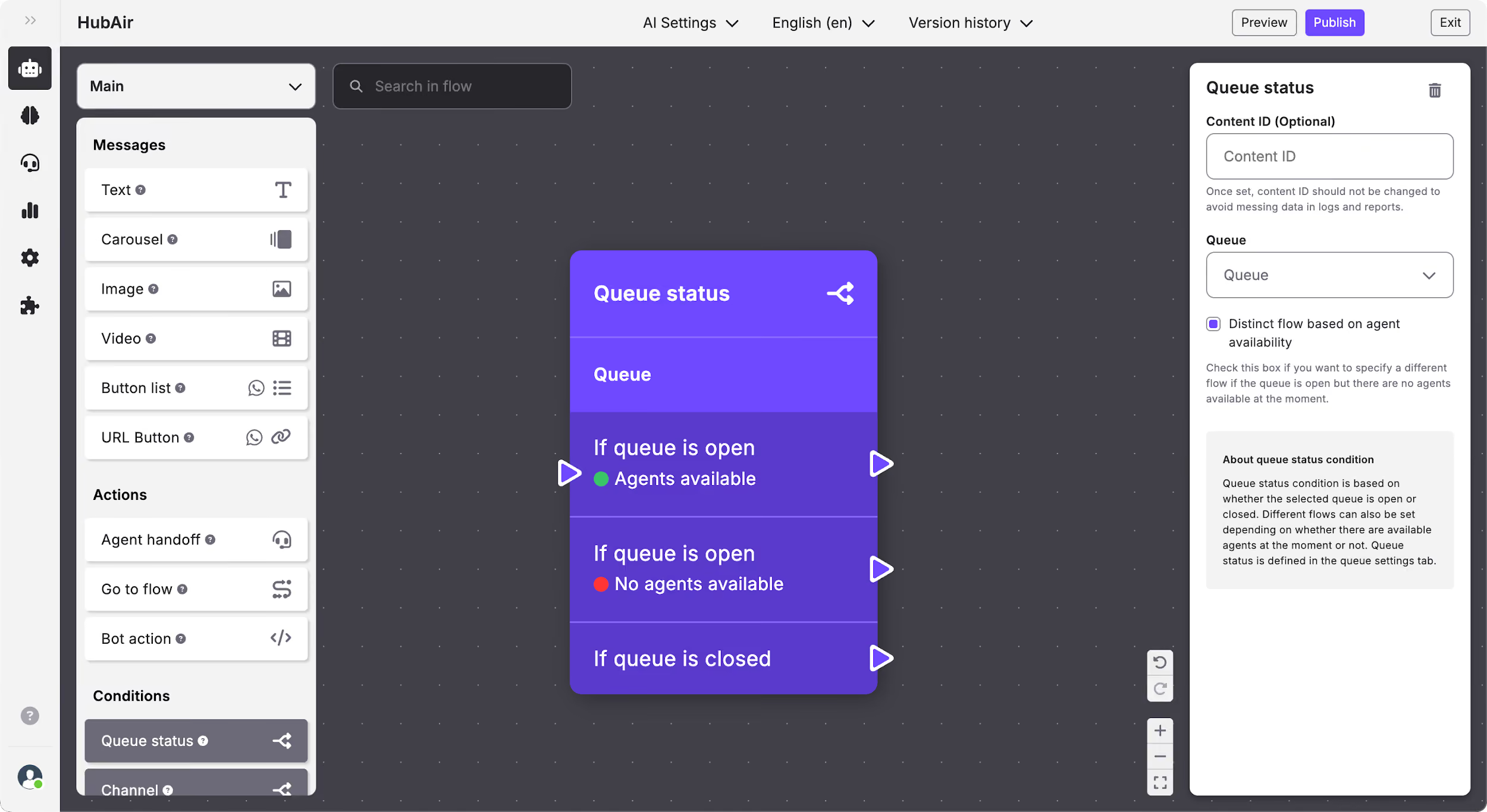
Queue status condition allows you to set different paths depending on whether the queue that you’ve selected is opened or closed. This way you can set up two different paths for the user to follow, for example:
- If the queue is opened: Include an agent handover to transfer the user to a human agent.
- If the queue is closed: Inform the user that it’s outside of service hours and that they need to return later to be attended to.
How to edit the Queue status condition
In the Queue status condition you can edit:
- Content ID.
- Queue: when you click on the queues drop-down menu, you will see the queues already configured in your Organization divided by Projects, and can select the one you want.
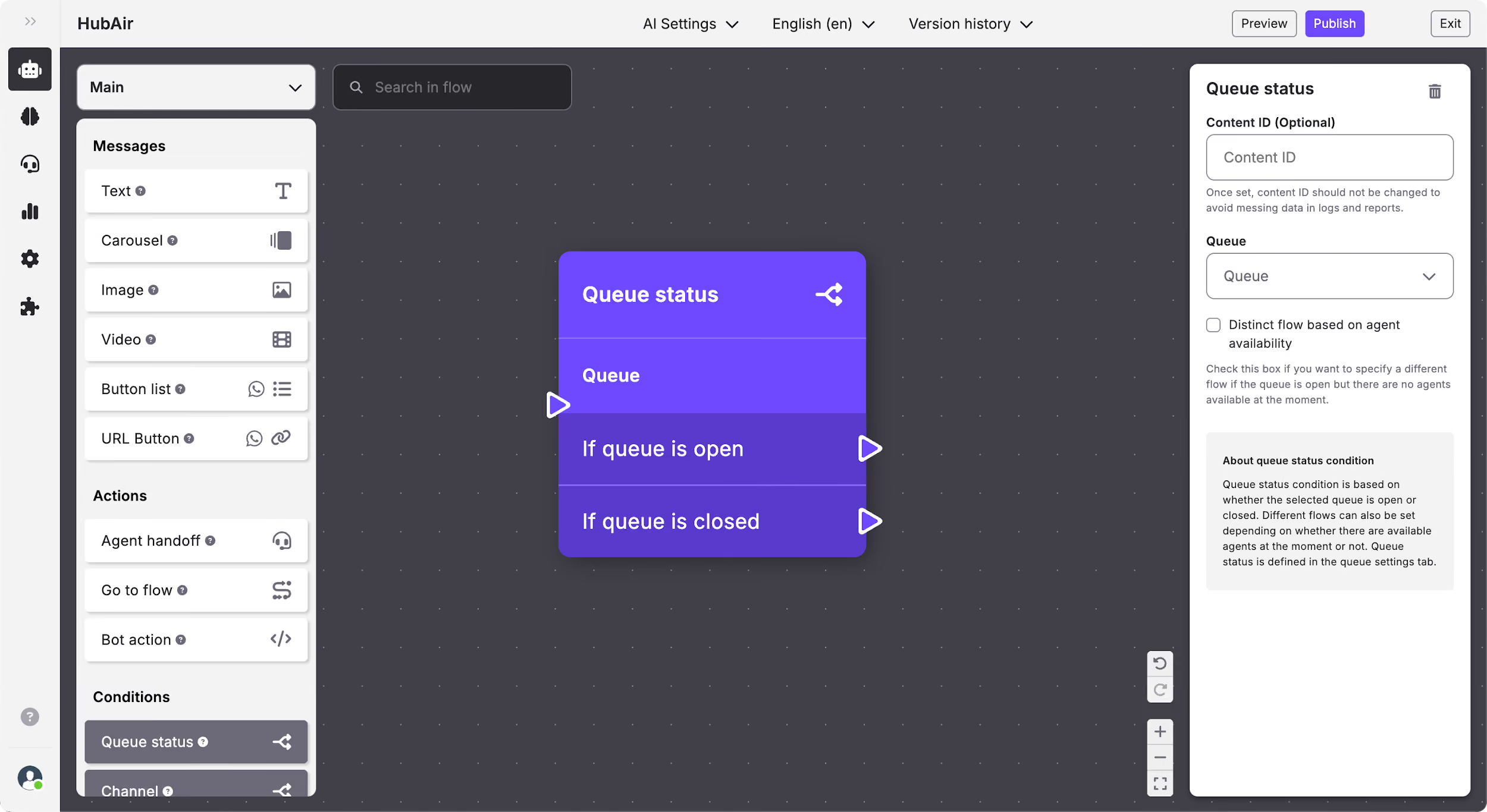
- Distinct flow based on agent availability: Check this box if you want to specify a different flow if the queue is open but there are no agents available at the moment. Once you select it, the queue status condition will change its structure and will allow you to create different paths depending on the agent availability if the queue is open.