
Flow Builder: Manage your contents
Delete contents
You can delete contents in two different ways:
- Edit panel: When you select the content, the edit panel will be opened on the right side of the screen and you will see a delete button (Trash icon) on the top right.
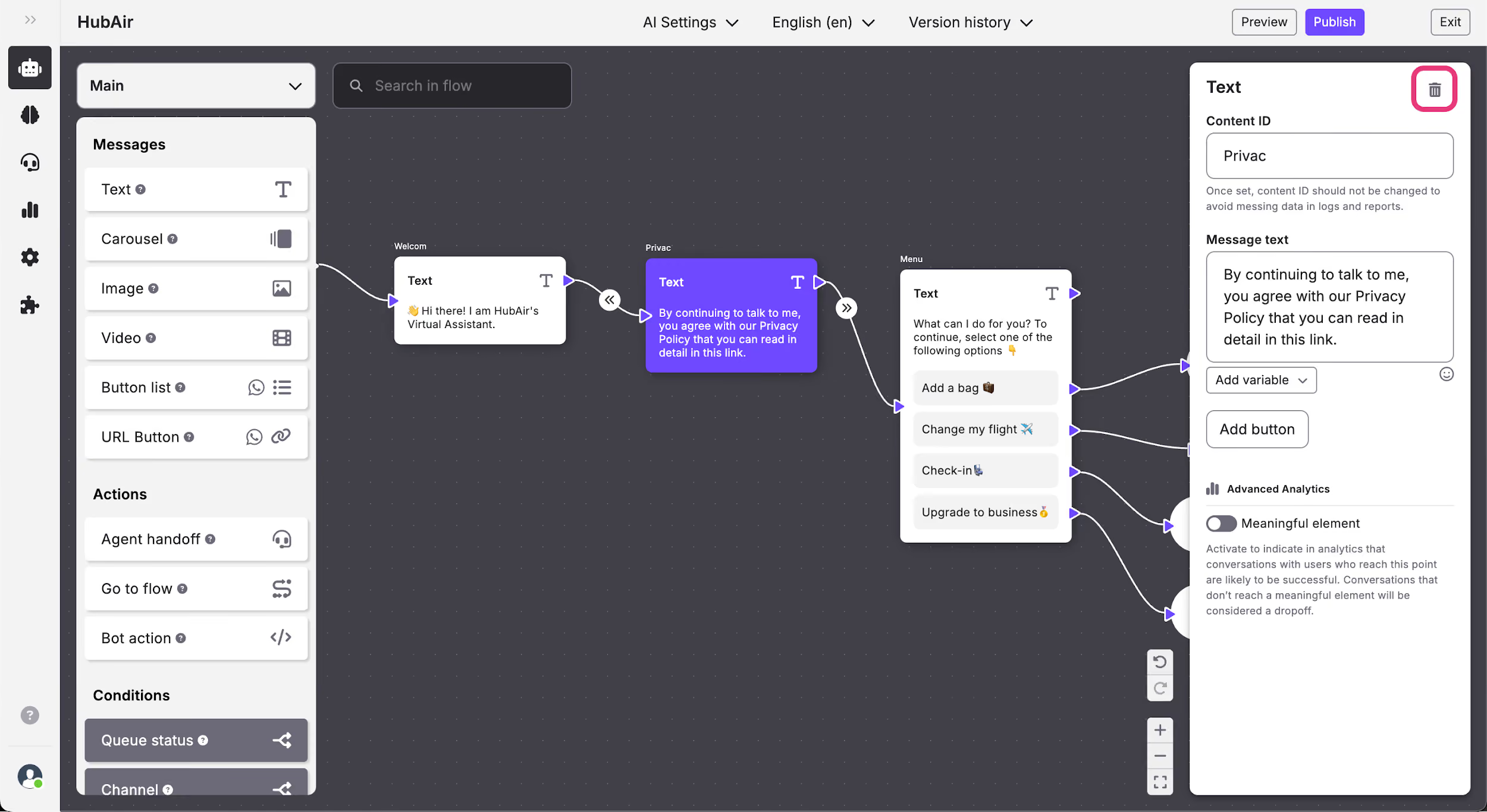
- Keyboard: You can also delete contents by selecting them and then tapping the delete key on your keyword.
Move contents
To move contents you have to select the ones you want to move, click on them and drag and drop them in your chosen position.
Search contents
You have the ability to search specific text that you have included in the flow contents. To do so, you have to click on the search box and type the word you want to search. Once you've typed your search term, the first content which includes this text will be highlighted and zoomed in. If there is more than one content with your search term, the number of contents will appear along with navigation buttons so that you can look through all the contents which include your search term.