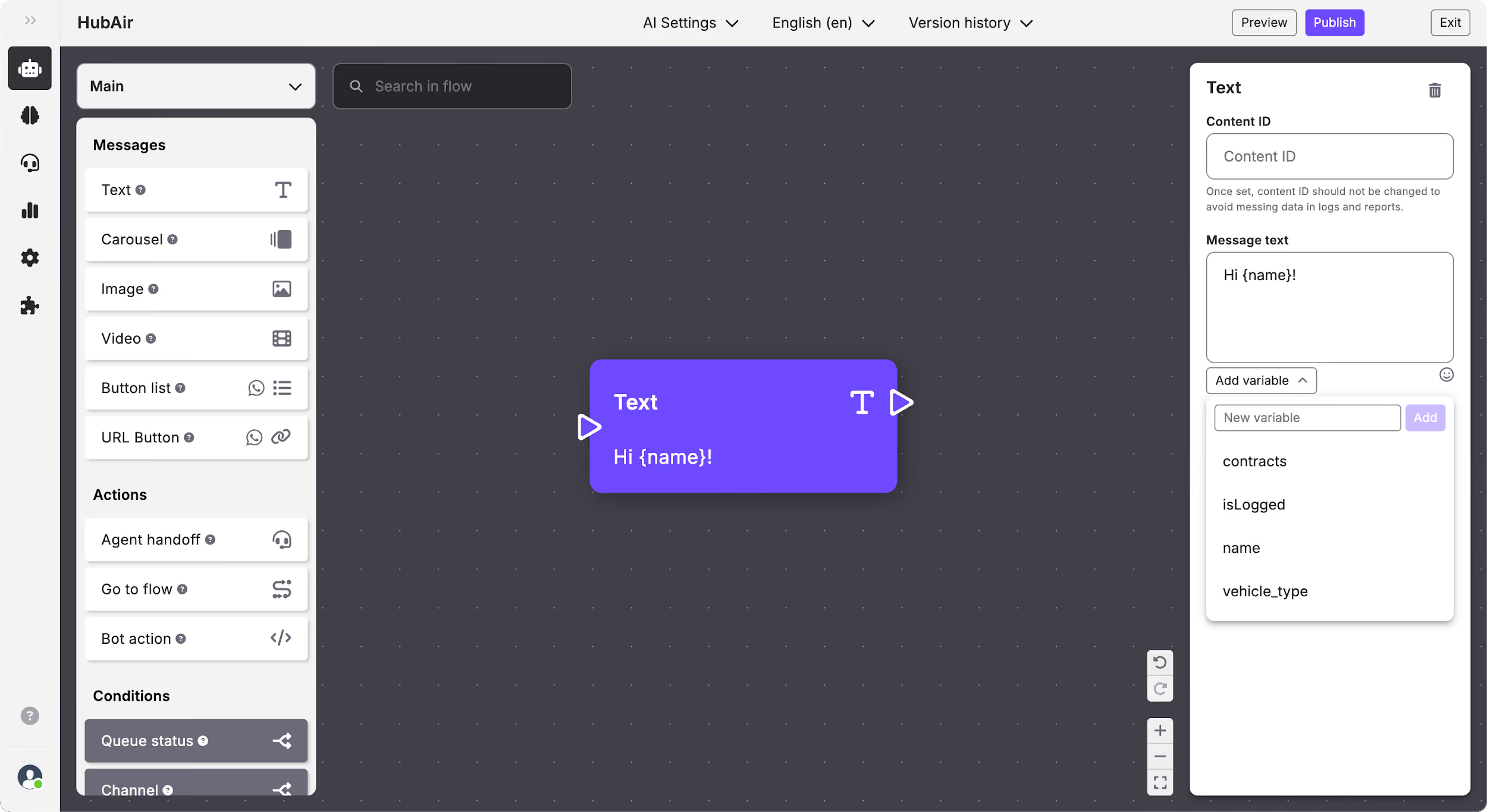
Flow Builder: Add variables to messages
You can add the variables you have defined on the conversational app code to the text messages. The contents where you can add variables are:
- Text
- Carousel
- List message
Once you add one of these contents to the flow board and you have selected them, you will see that on the bottom of the “Message text” input, is an Add variable button.
Create new variables
To create new variables you have to click on the Add variable button and a dropdown will appear. There you will see a text input and a Create button. To add a new variable, type the name of it and click on create.
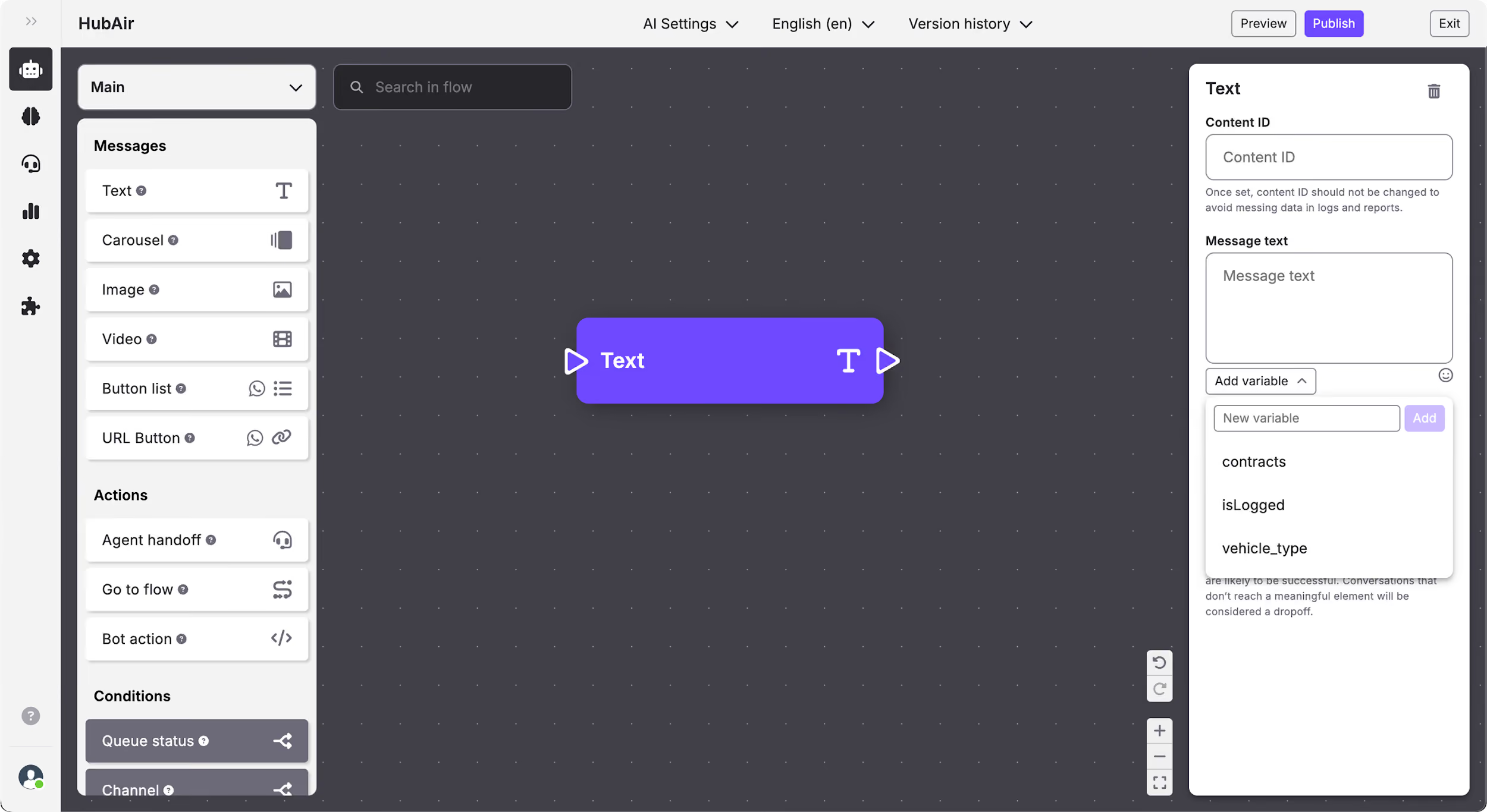
Include variables to message
Open the Add variable dropdown and select the variable you want to add to the message.